

Presentation Template · PPTX
Timeline Infographics
Forty branded timeline designs across five visual styles. Browse the deck, copy any slide into your presentation or the master template, and swap in your own milestones — fonts, colors, and layouts are already on-brand.
Download .pptx
PowerPoint · works in the desktop & web apps
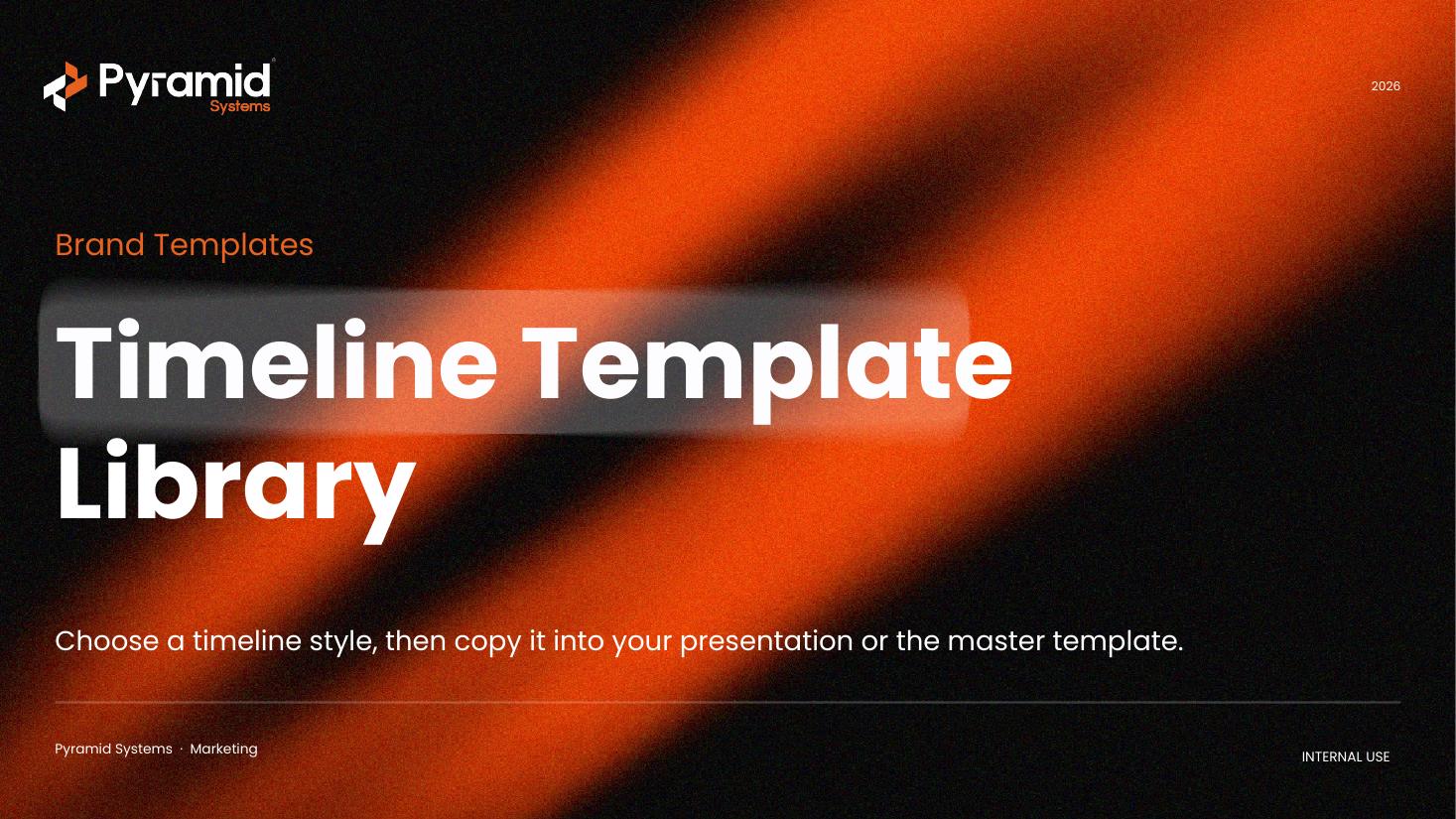
A few of the designs
Forty timeline designs across five visual styles. A sample below:
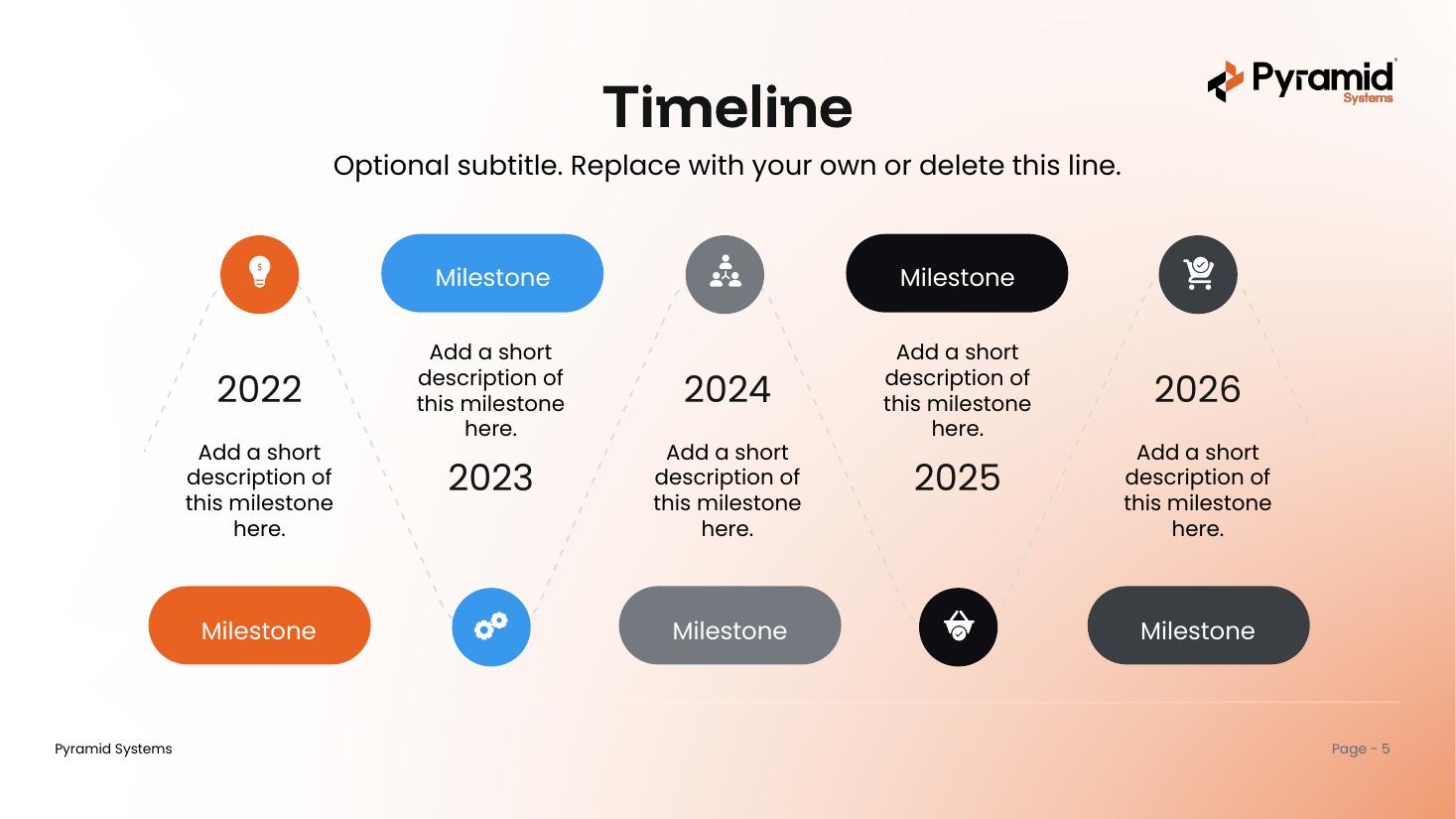
Triangle Tree
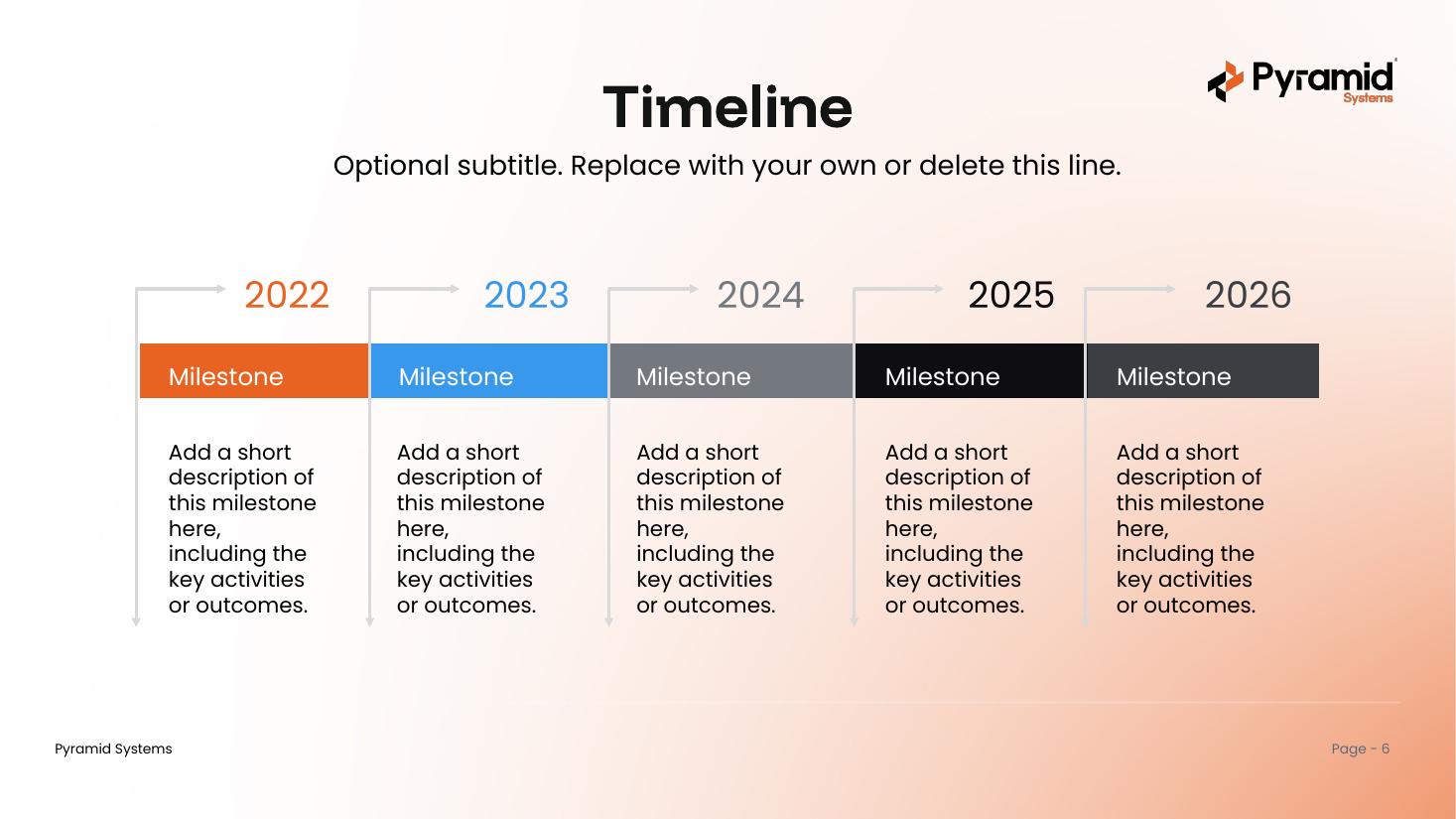
Block & Bar
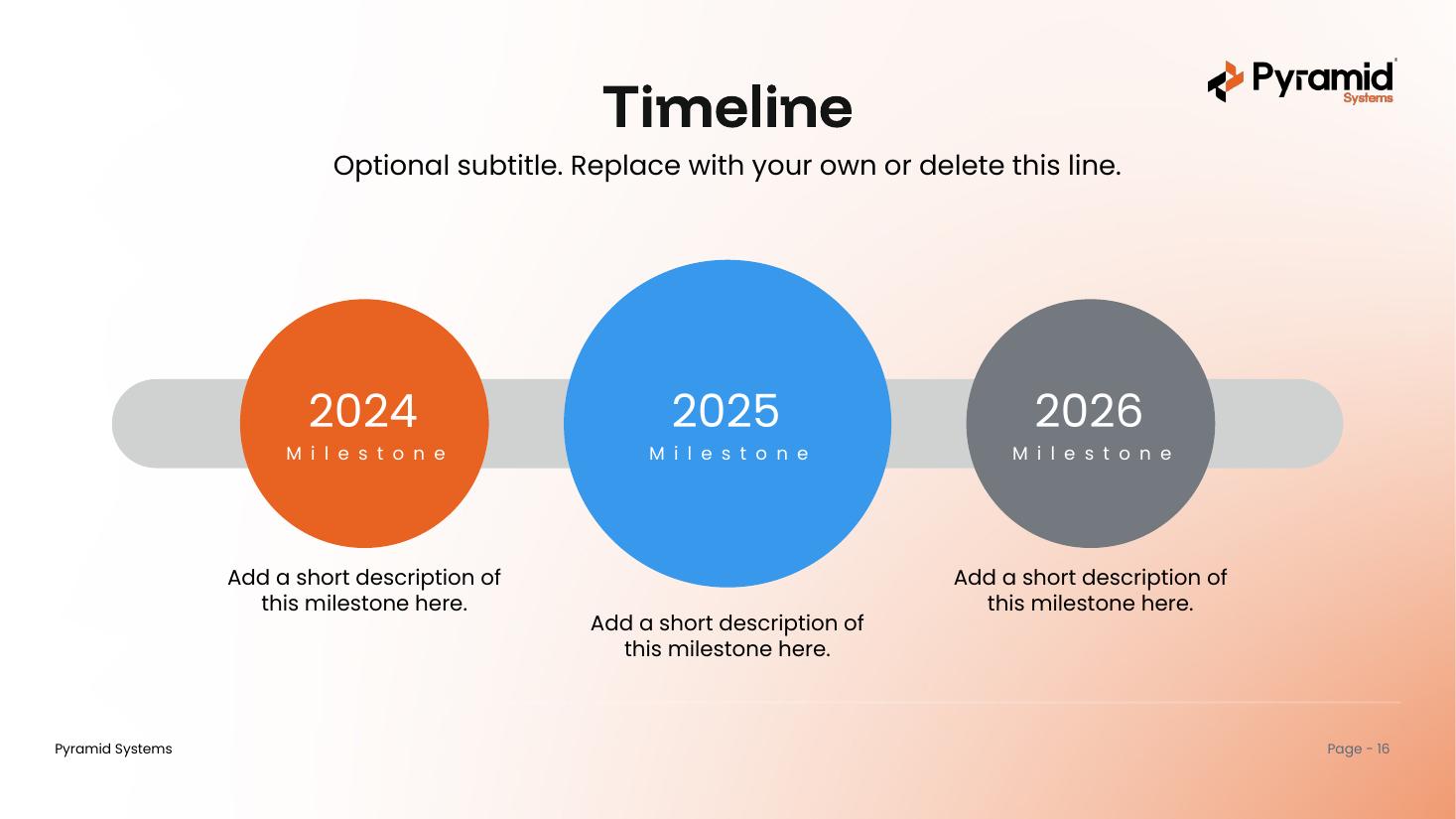
Circle Markers
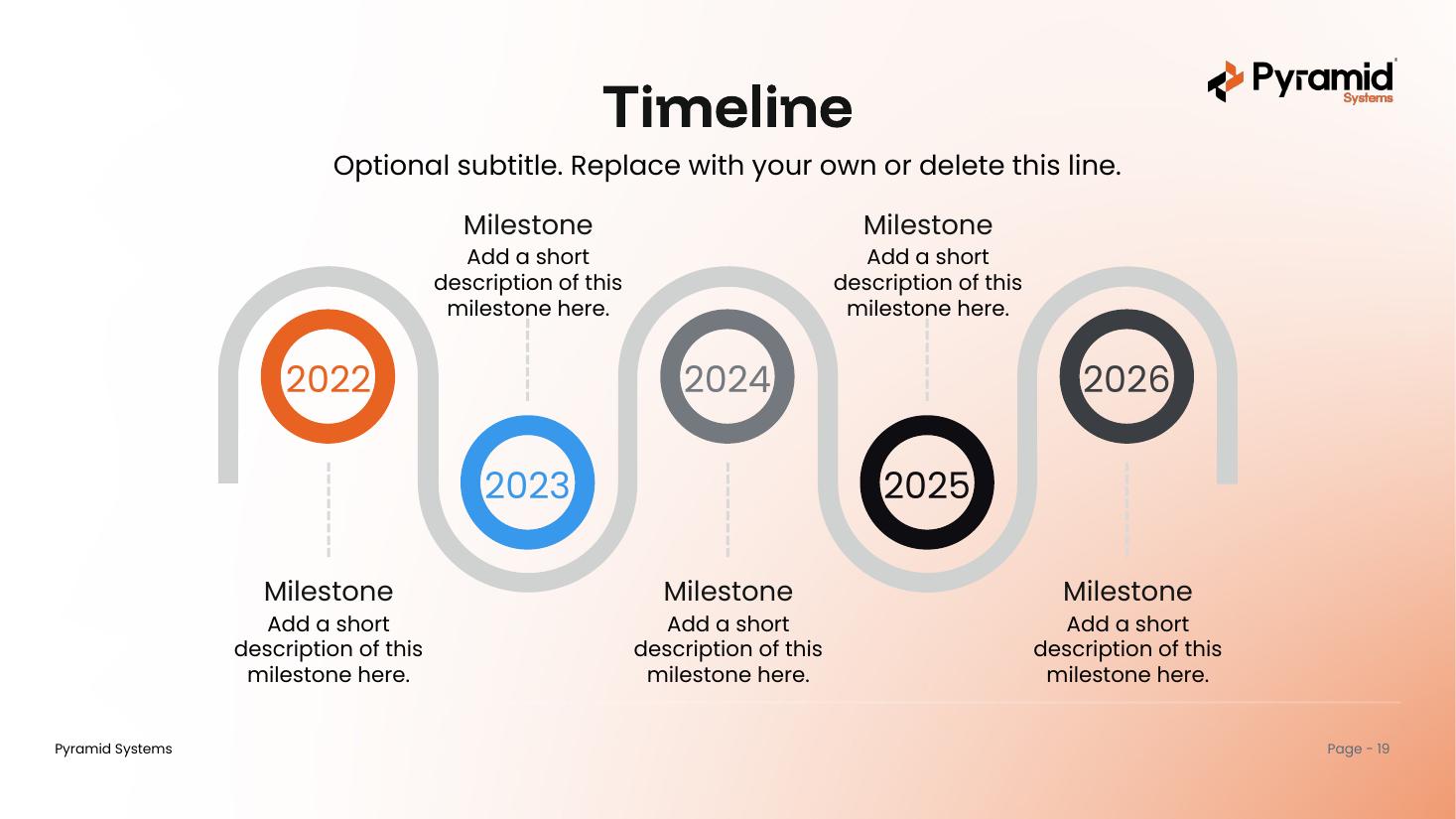
Serpentine
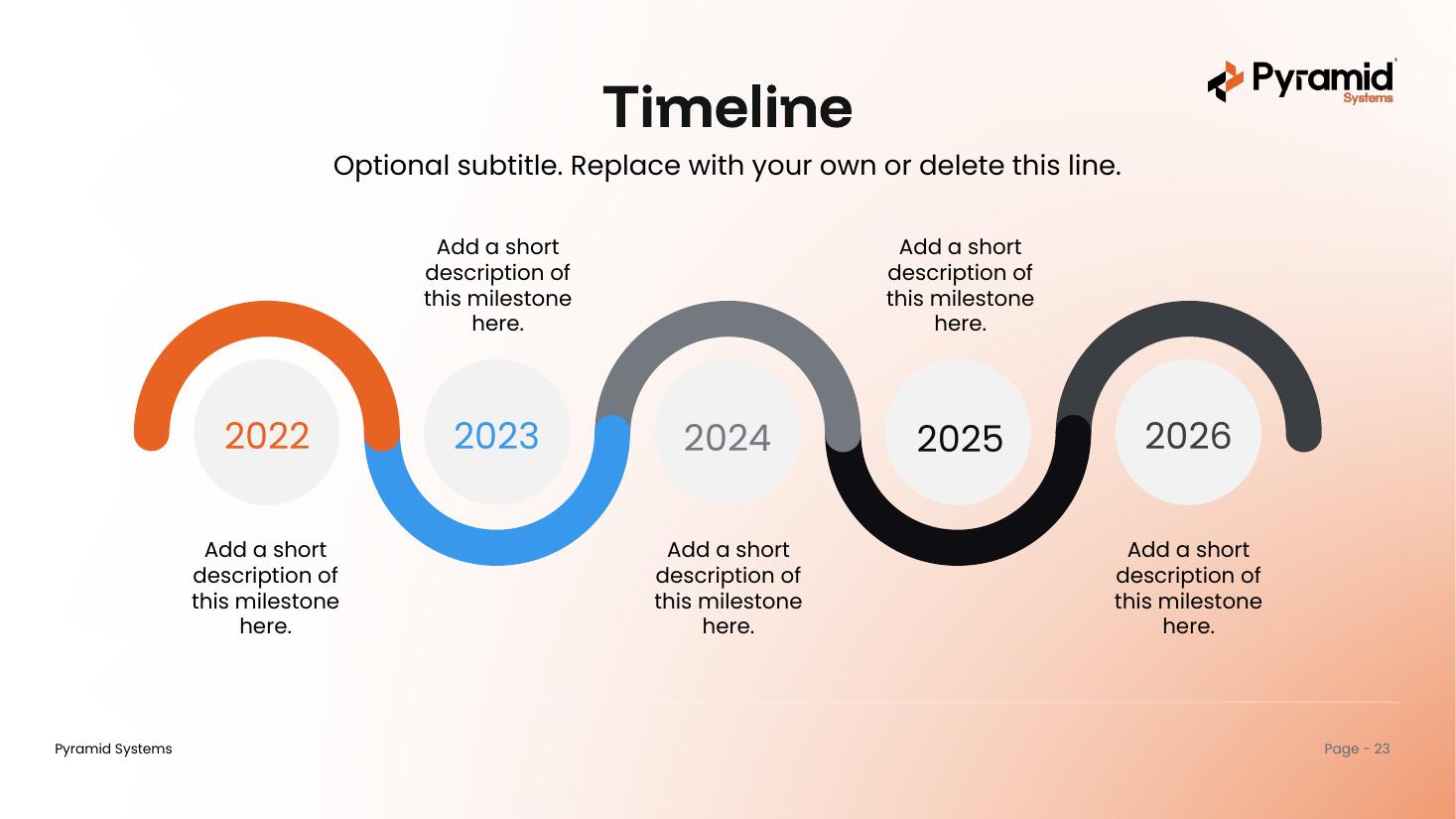
Wave Path
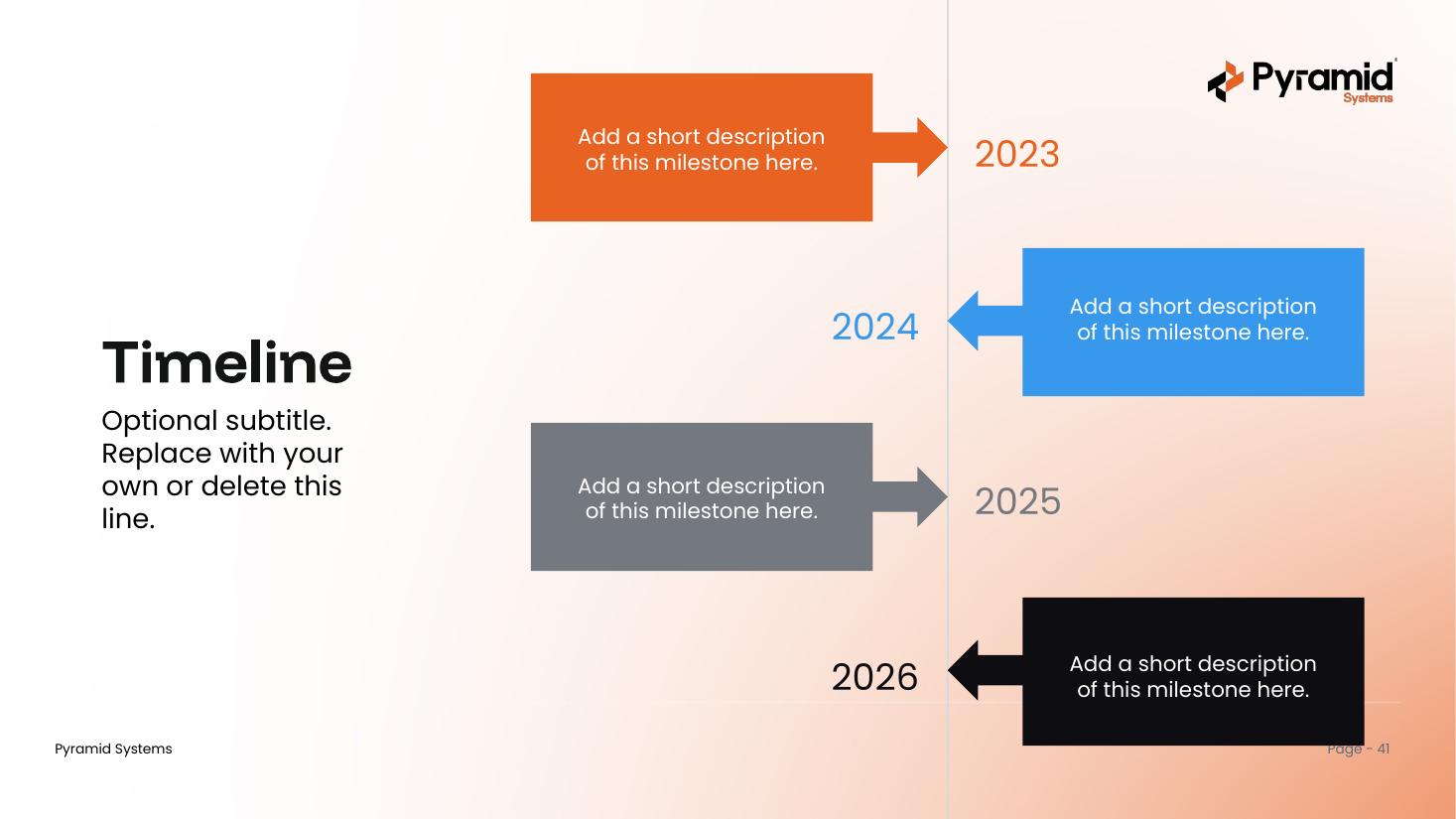
Callout Arrows
What's inside & how to use it
One deck, built on the Pyramid master template.
What's inside
- A cover, a contents page, and a section divider for each of the five styles
- 40 timeline designs — eight layouts in each style
- All eight master-deck layouts, selectable under New Slide
- Pyramid brand fonts and colors throughout
- Year markers run through 2026, with editable milestone labels
How to use it
- Open the deck and scroll to the style you like.
- Copy any slide into your own presentation or the Pyramid master template.
- Prefer to start here? Build with the eight brand layouts under New Slide.
- Replace the placeholder labels, dates, and descriptions with your content.
Get the timeline deck
One PowerPoint file with all 40 designs and five styles. Ready to use across the Pyramid team.
Download .pptx