

Presentation Template · PPTX · Light & dark
Project Management
Project-management infographics in two ready-made themes — light and dark. Cards, process flows, cycles, gears, and step lists, all branded and editable. Copy a slide into your deck, swap in your text, or start here and build with the eight master layouts.
Download .pptx
PowerPoint · works in the desktop & web apps
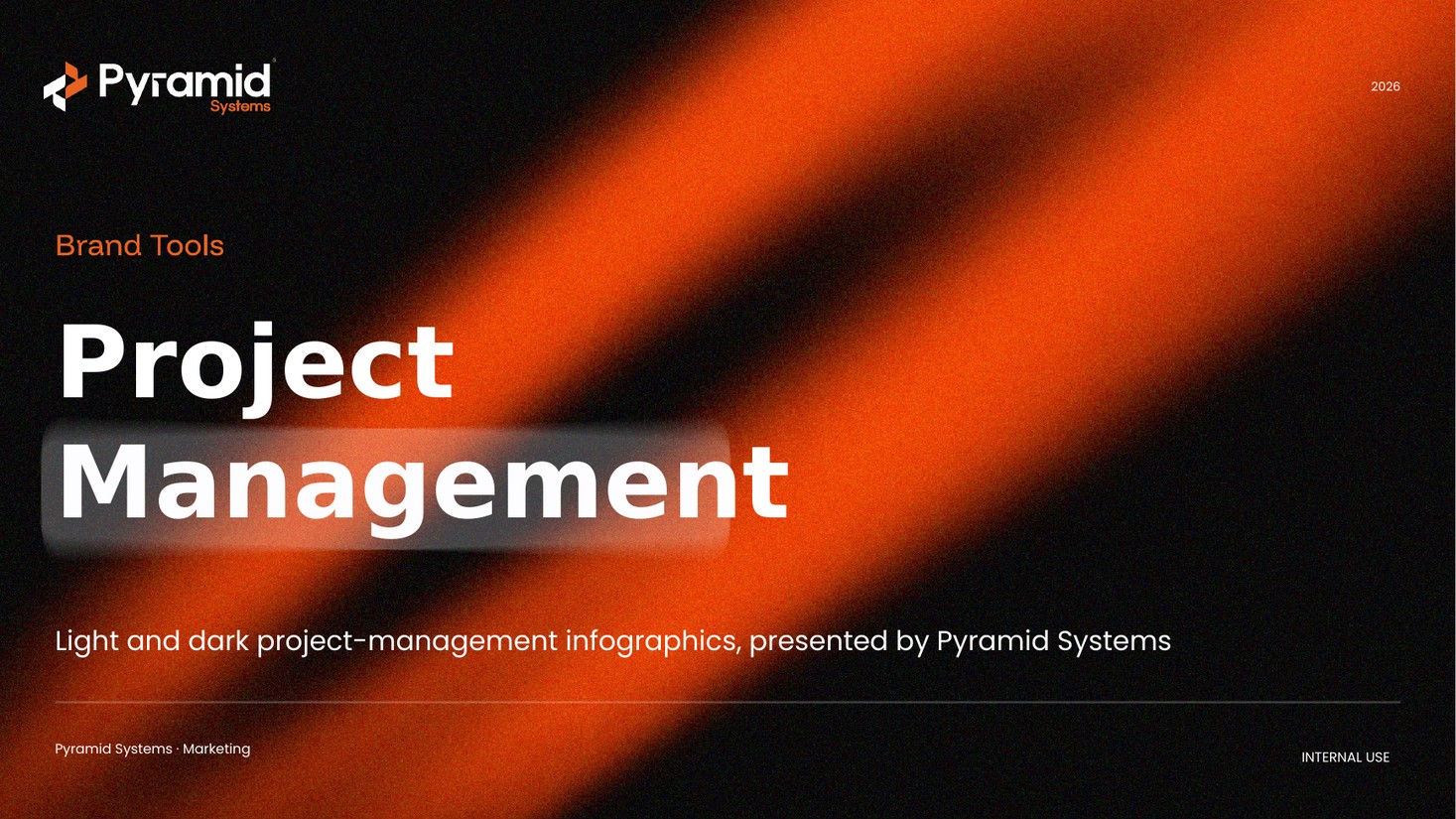
Infographics included
Eight infographic styles, each in a light and a dark version. A few examples:
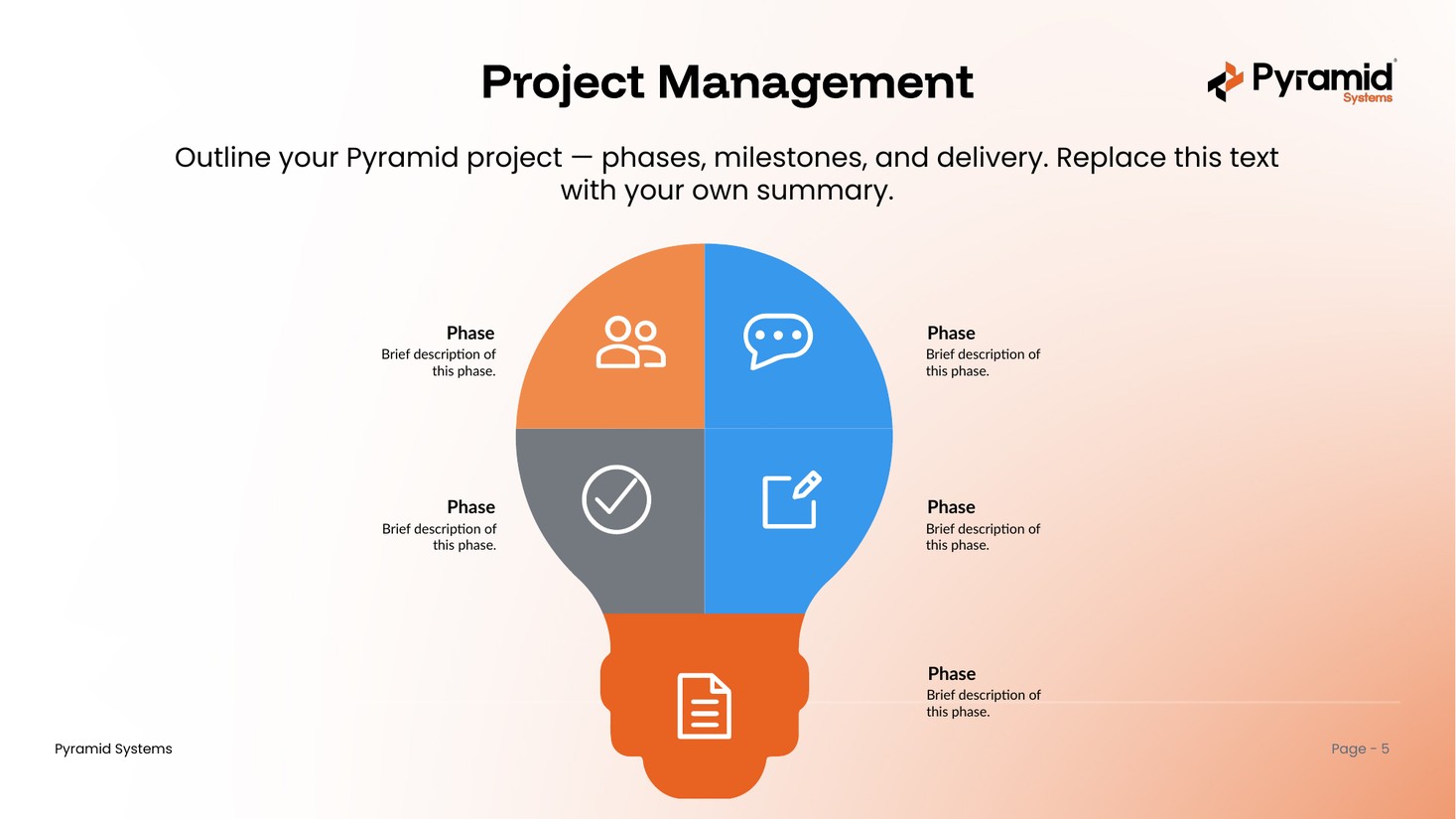
Numbered cycleeditable
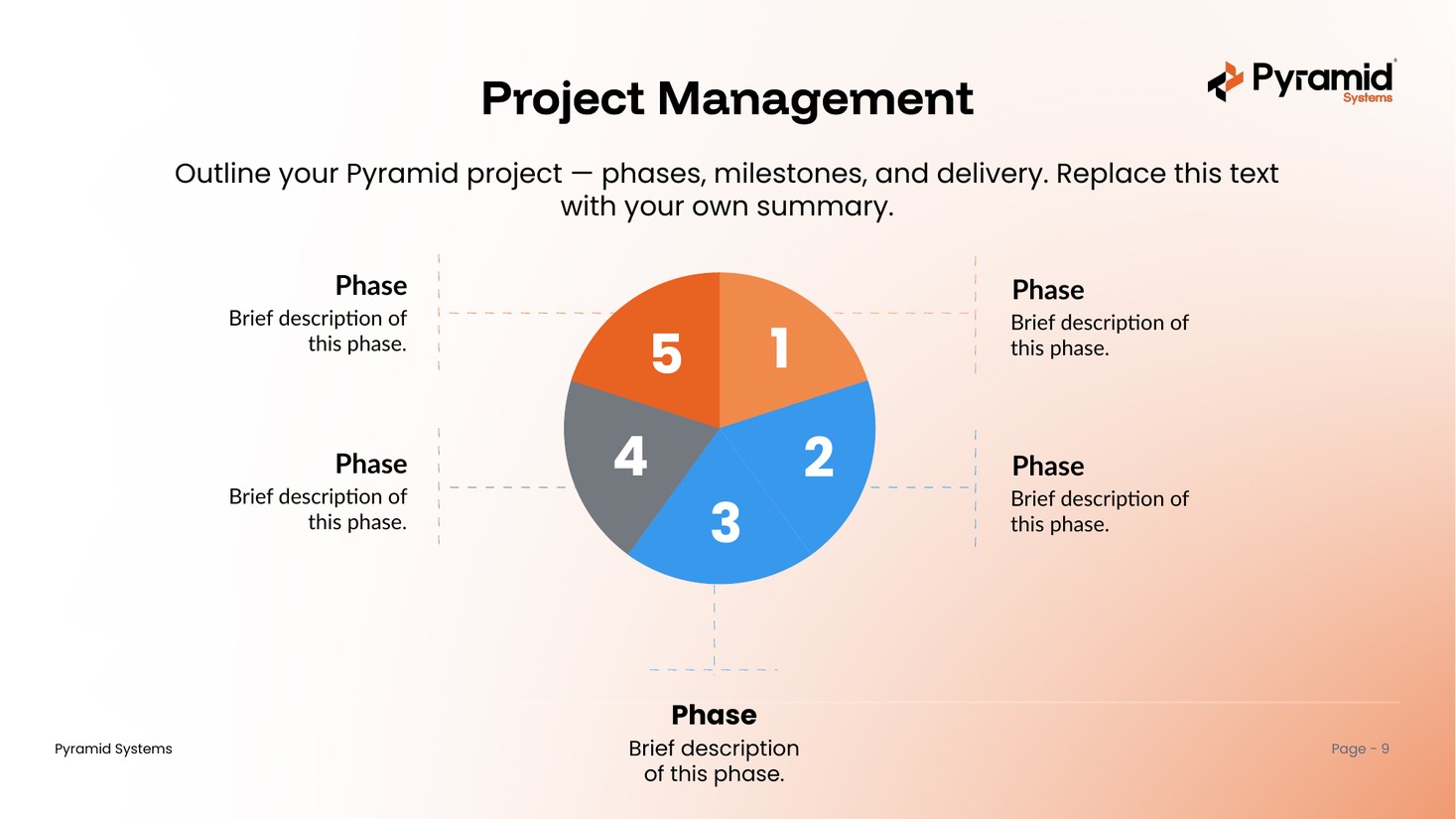
Segmentededitable
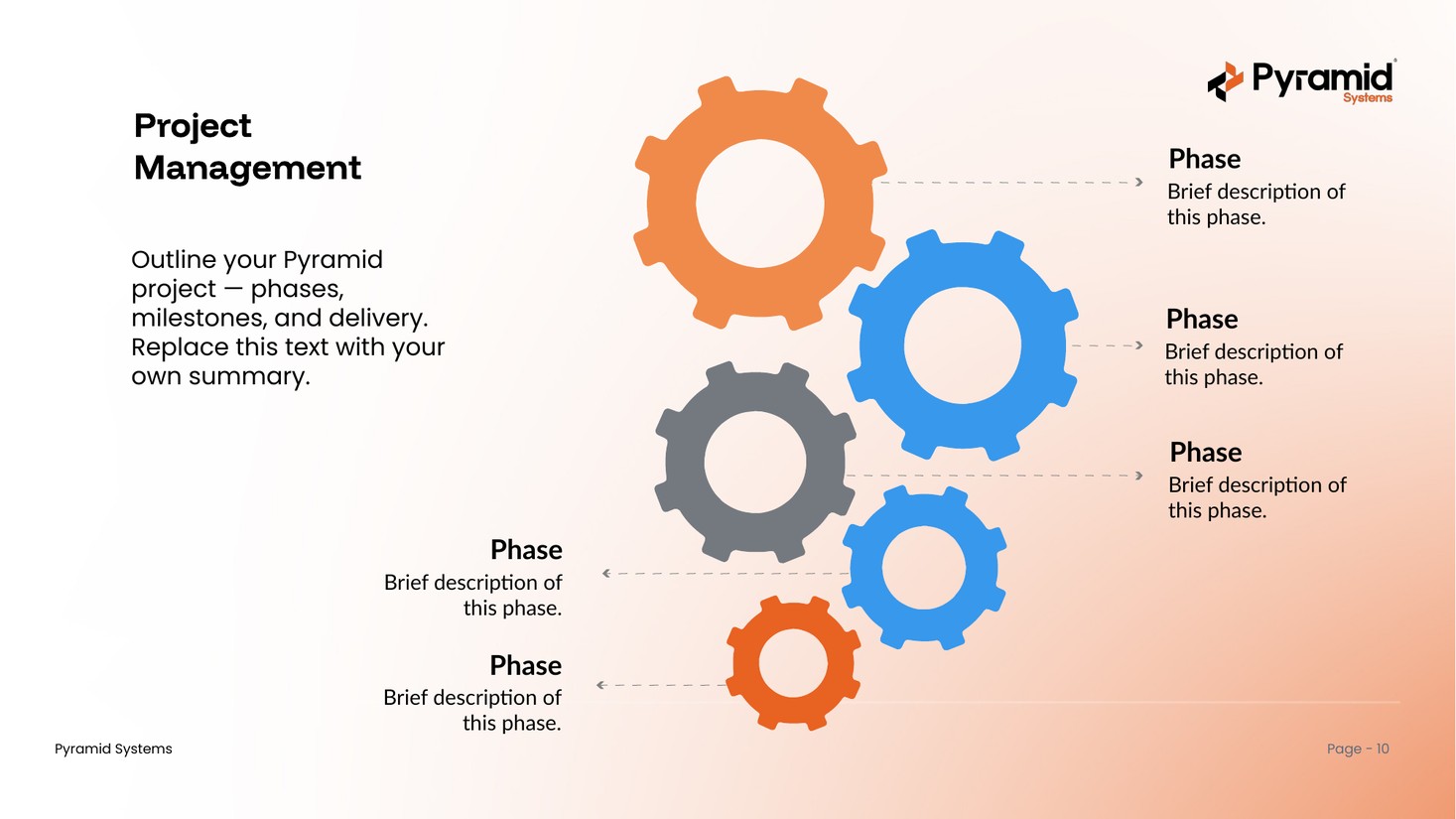
Gearseditable
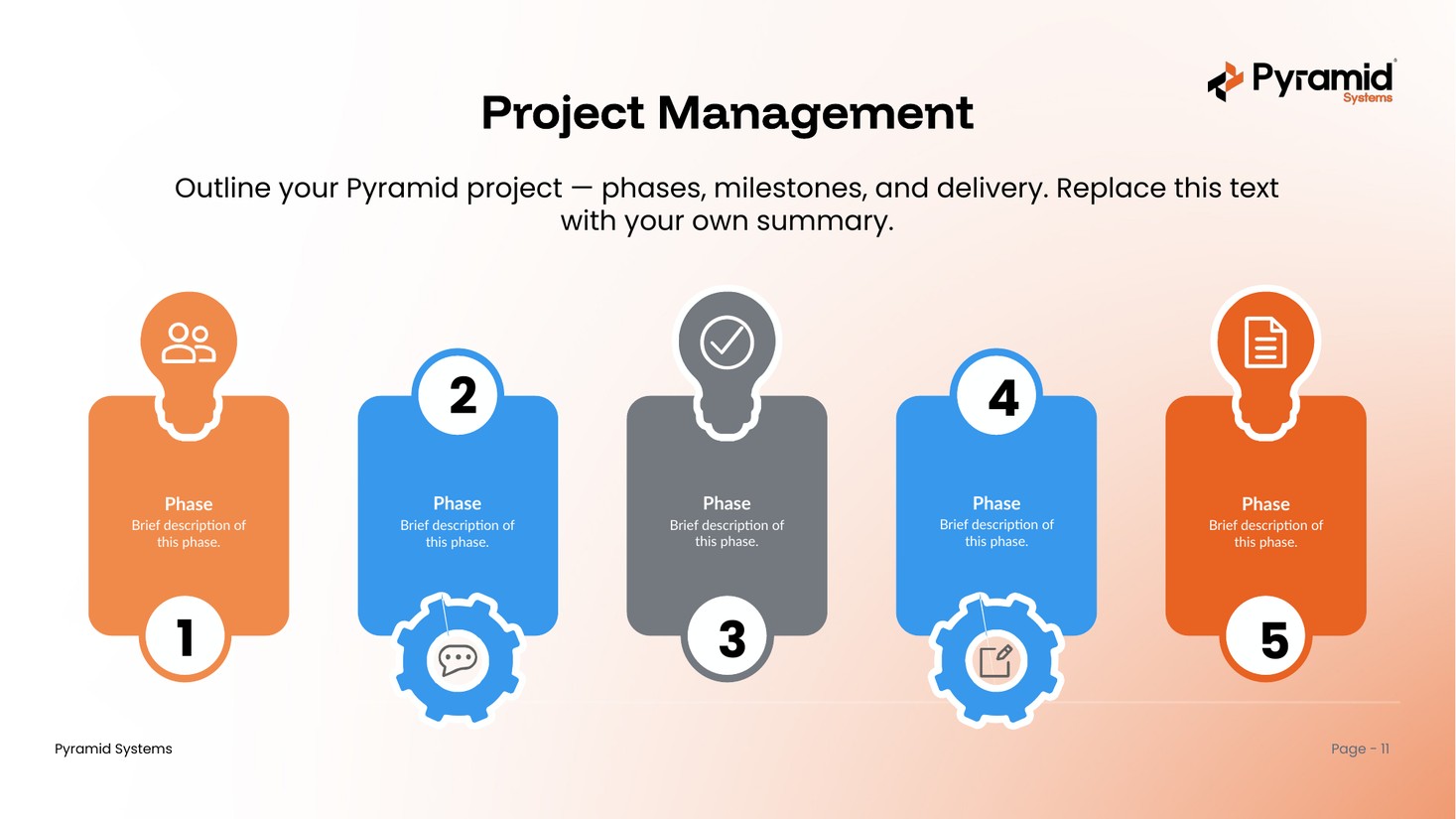
Step floweditable
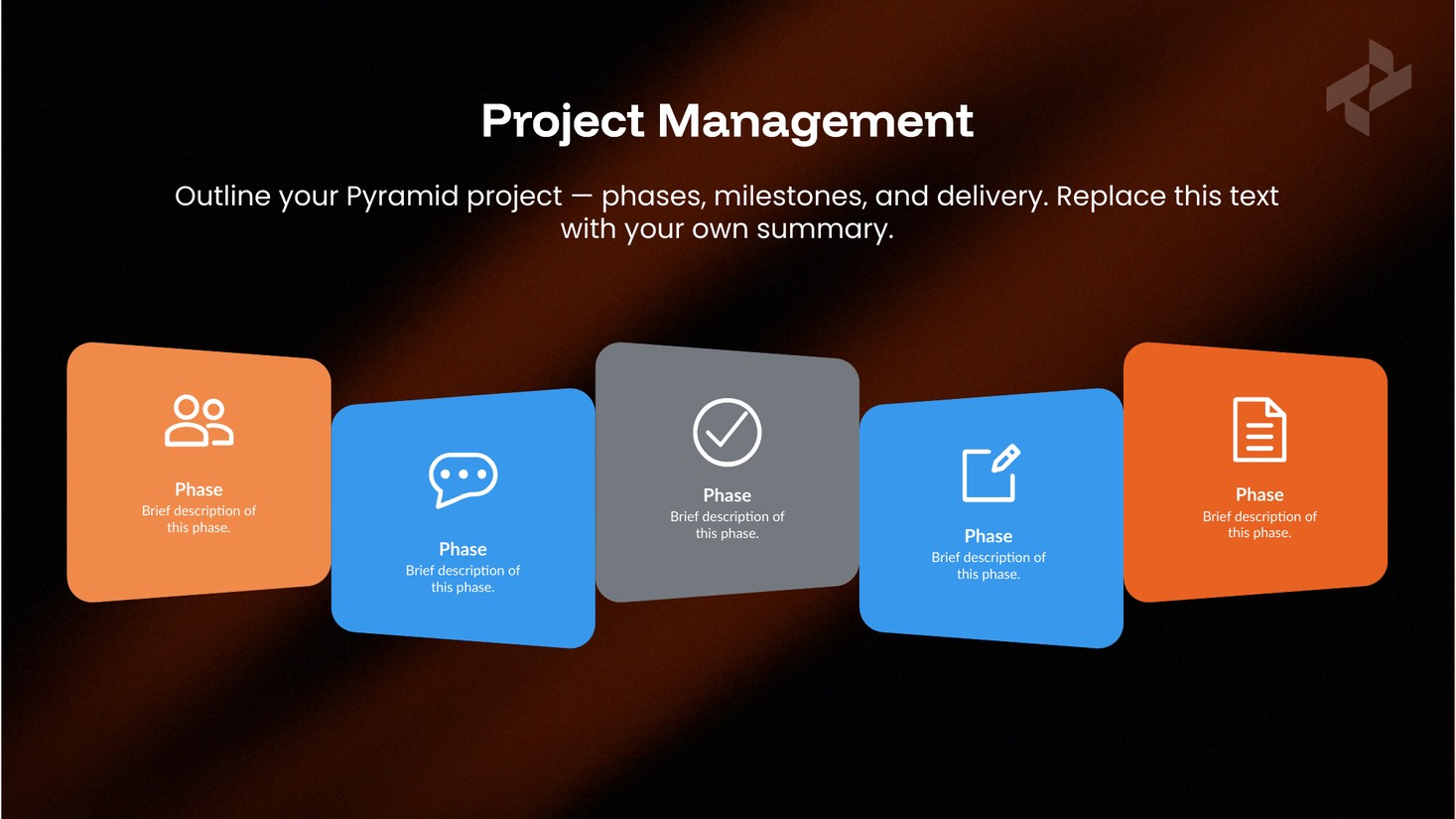
Cards · darkeditable
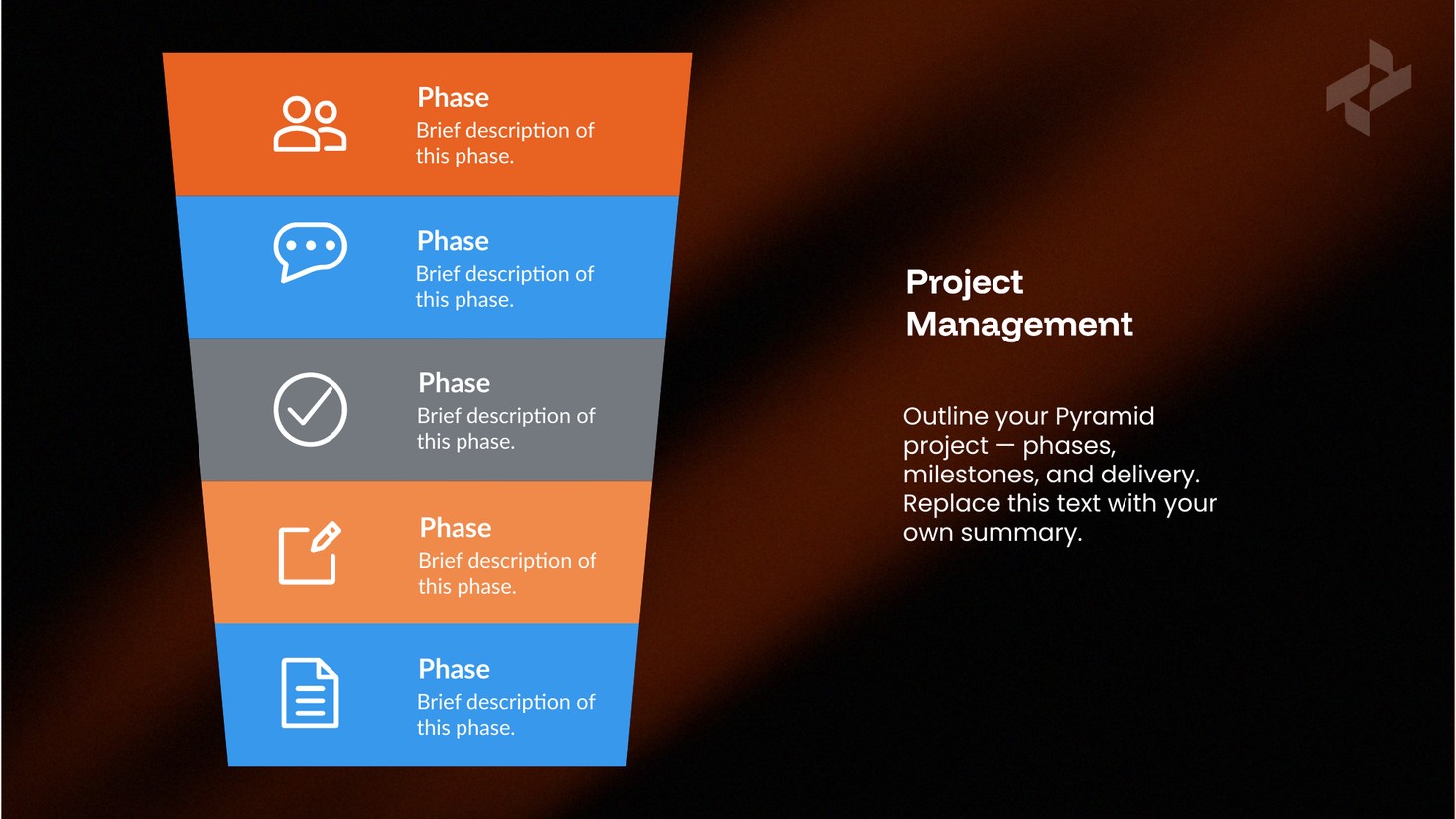
Chevron · darkeditable
What's inside & how to use it
One deck, built on the Pyramid master template.
What's inside
- A cover, agenda, and section dividers
- Eight infographic styles — cards, process flows, cycles, gears, and step lists
- Every infographic in two themes: light (orange/white) and dark (muted gradient)
- All eight master layouts, selectable under New Slide
- Pyramid brand colors and fonts throughout (Funnel Display + Poppins)
How to use it
- Open the deck and find the infographic you need — light or dark.
- Copy that slide into your own presentation.
- Replace the placeholder text with your project details.
- Prefer to start here? Build with the eight brand layouts under New Slide.
Get the project management deck
One PowerPoint file with 16 branded, editable infographics in light and dark themes. Ready to use across the Pyramid team.
Download .pptx