

Master Template · PPTX · Start here
Master Template
The foundational Pyramid deck every presentation should start from. It carries the brand cover, agenda, and section dividers, plus a full set of content layouts — tables, cards, quotes, and process steps — and a closing slide. Colors, fonts, and spacing are already on-brand, so you just replace the placeholder text.
Download .pptx
PowerPoint · works in the desktop & web apps
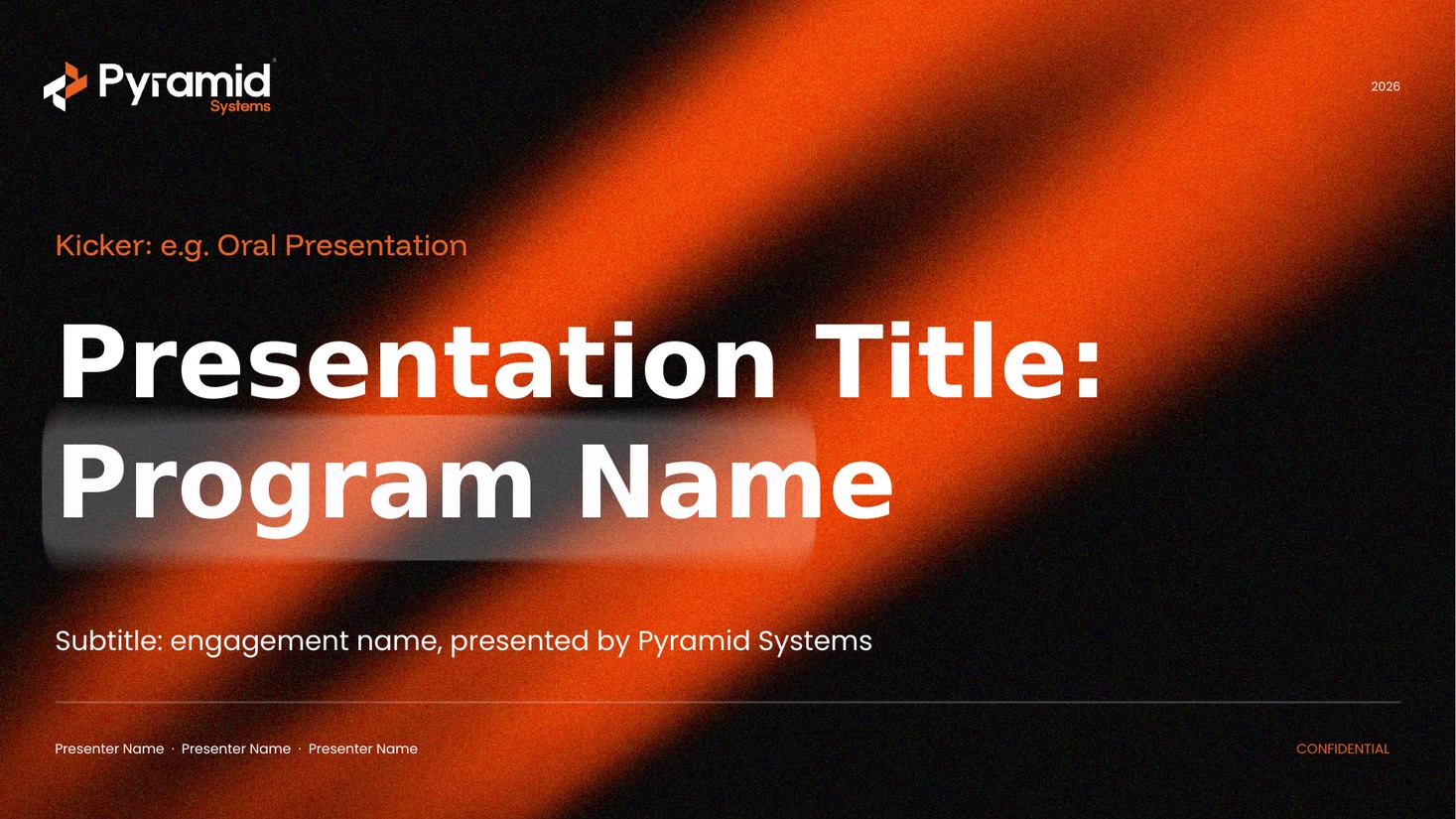
Layouts included
Eight ready-made layouts, all available under New Slide. A few examples:
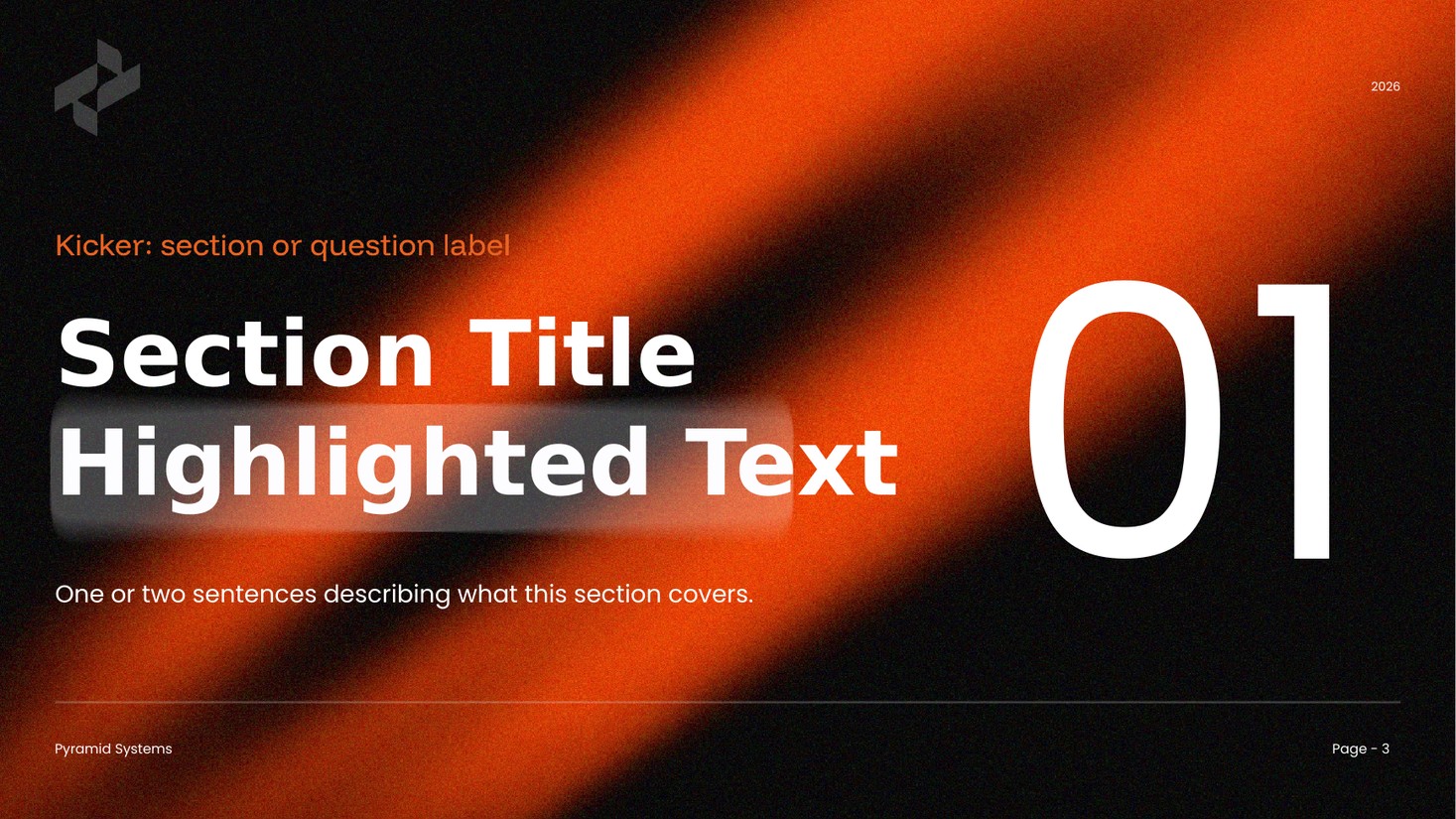
Section dividereditable
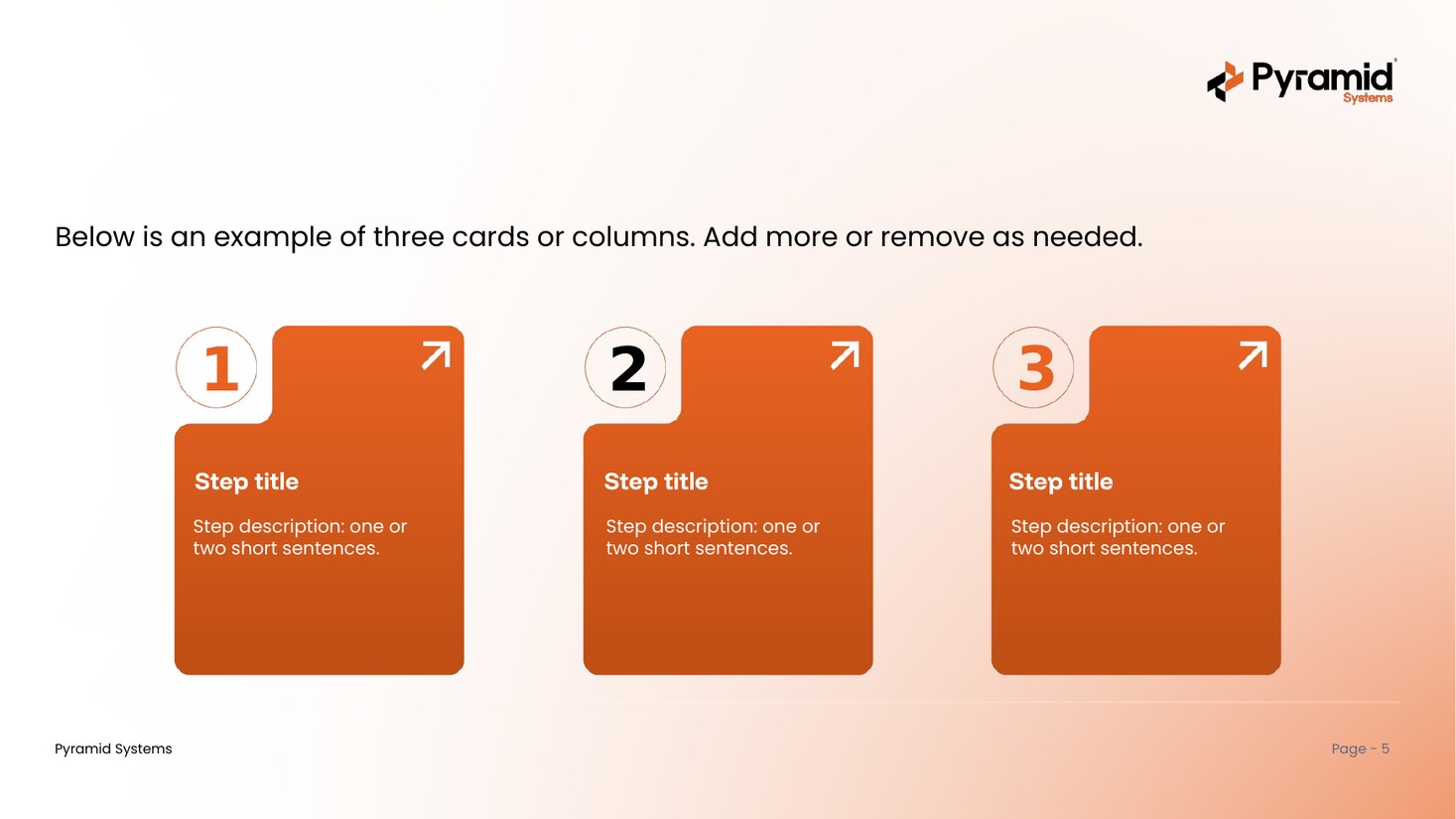
Cards / columnseditable
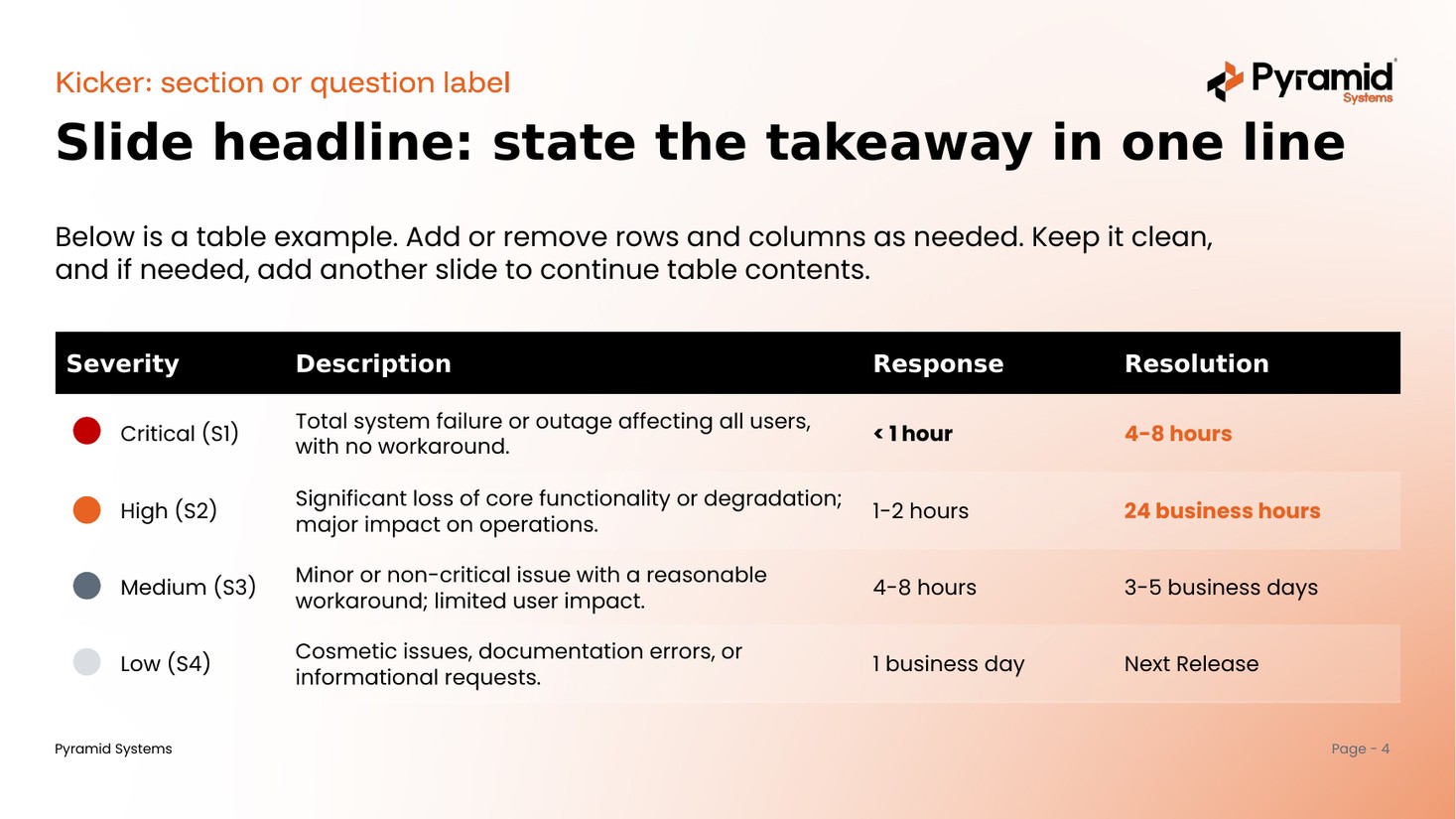
Tableeditable
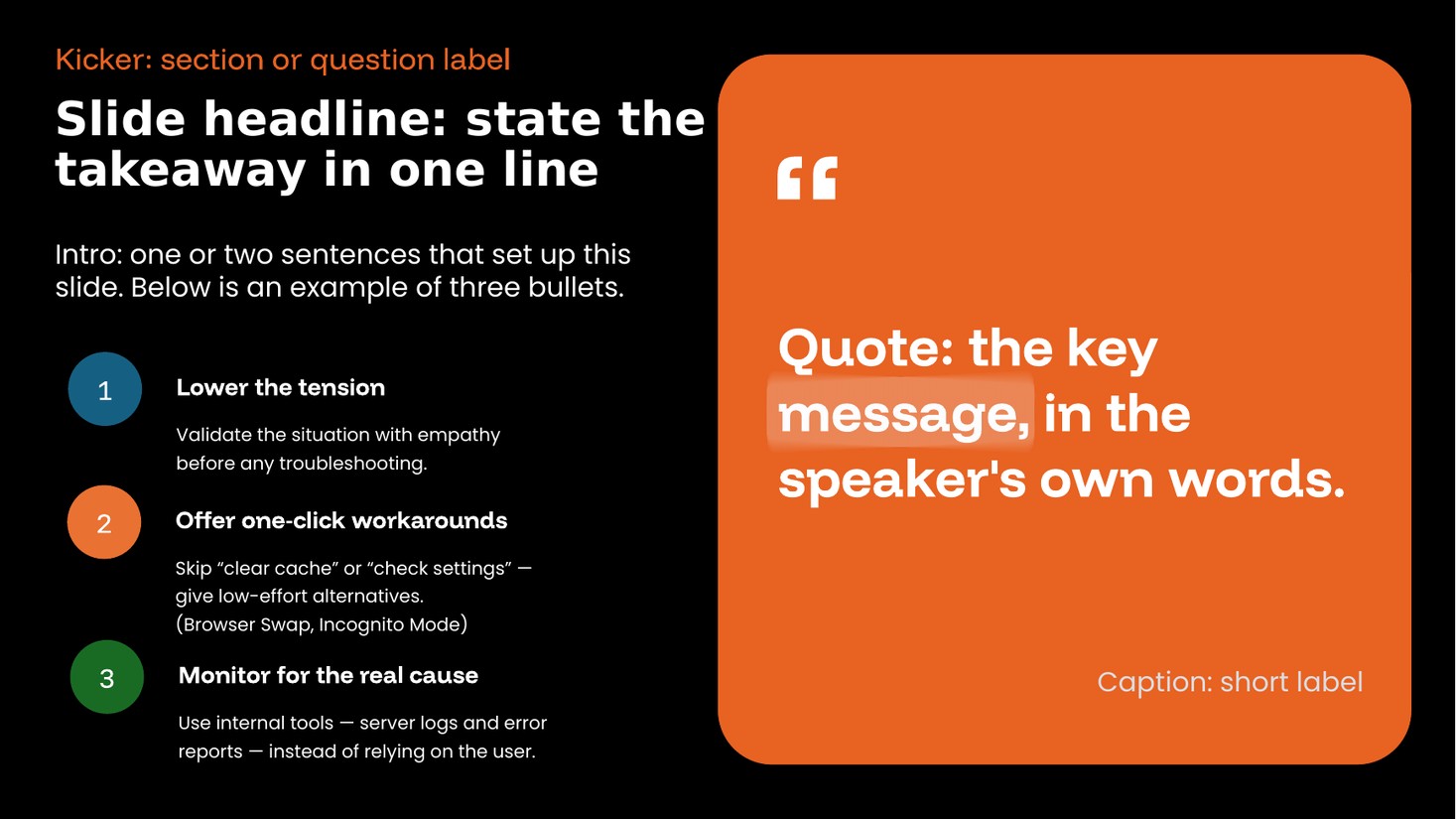
Quoteeditable
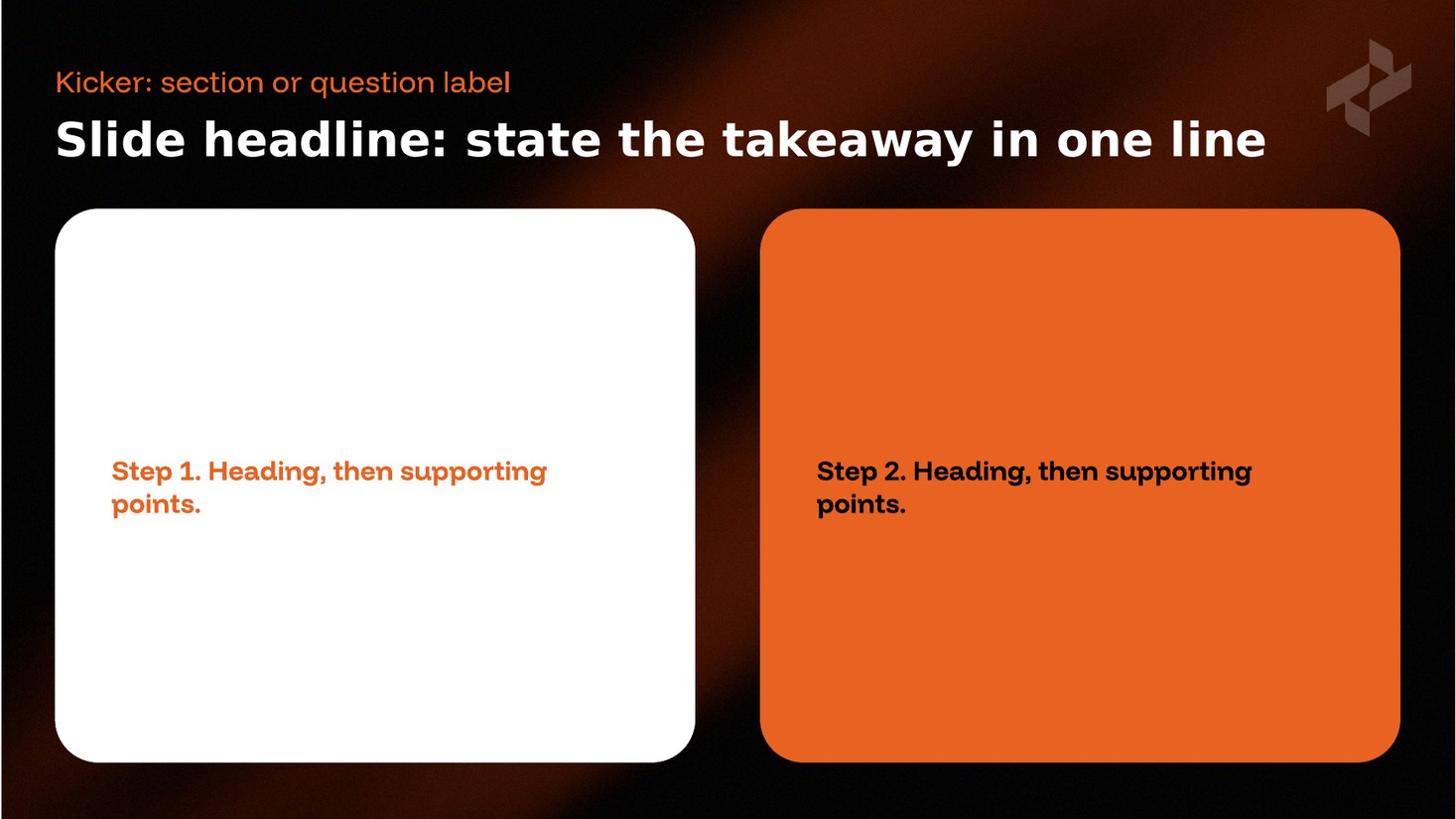
Process / stepseditable
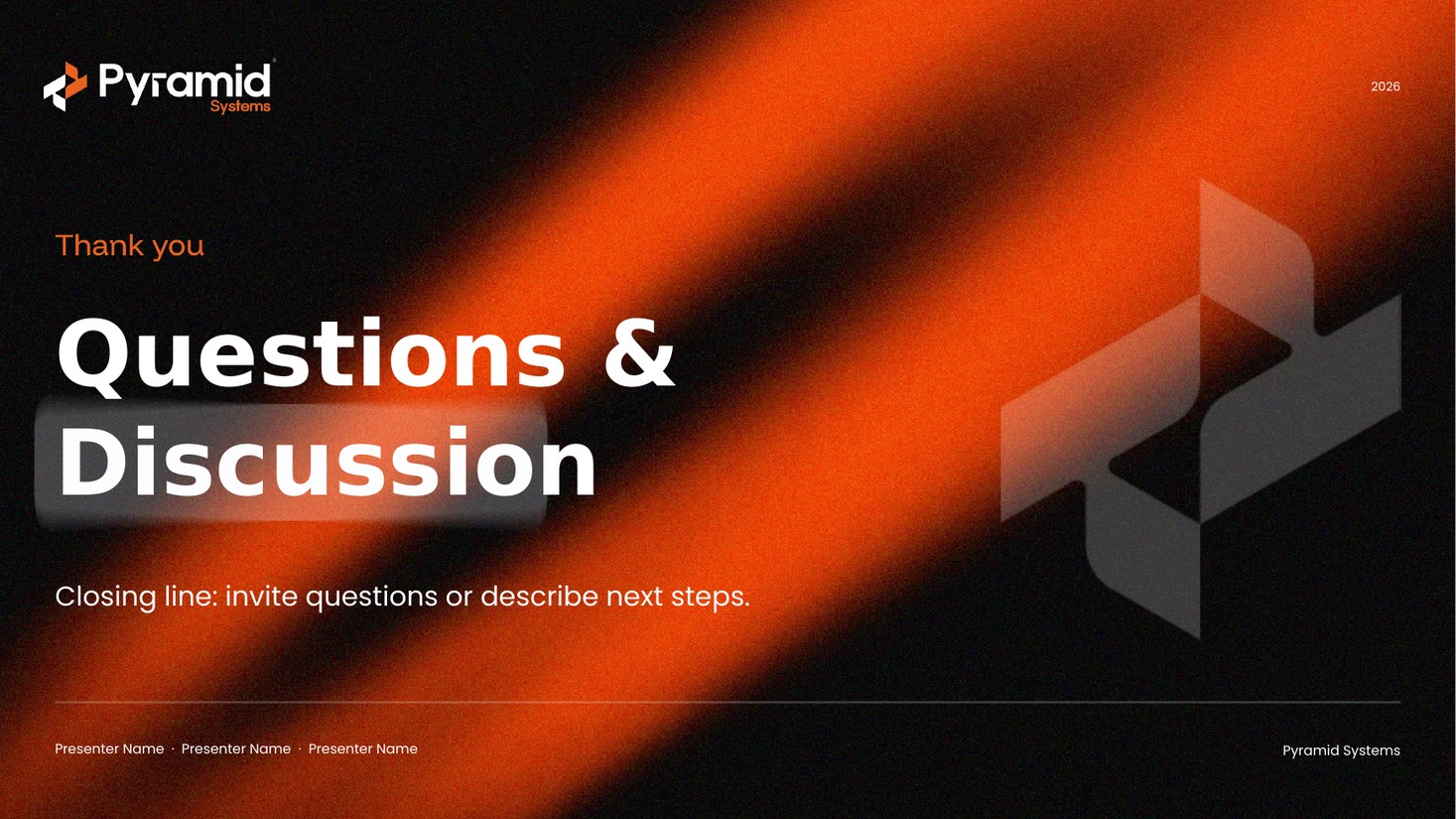
Closingeditable
What's inside & how to use it
The base every other Pyramid template is built on.
What's inside
- A branded cover, agenda, and section dividers
- Content layouts: tables, cards/columns, quotes, and process steps
- All eight master layouts, selectable under New Slide
- Pyramid brand colors and fonts throughout (Funnel Display + Poppins)
- A Questions & Discussion closing slide
How to use it
- Open the deck — it's the starting point for any Pyramid presentation.
- Use New Slide to pick from the eight brand layouts.
- Replace the placeholder text with your content; the styling stays on-brand.
- Mix in charts, diagrams, or timelines from the other template packs.
Get the master template
The foundational Pyramid deck — start every presentation here. Ready for the whole team.
Download .pptx