

Presentation Template · PPTX
Human Resources
A set of branded, editable HR infographics — teams, comparisons, process flows, and highlight lists. Copy a layout into your deck, then drop in your own labels and detail. Colors, fonts, and layout are already on-brand.
Download .pptx
PowerPoint · works in the desktop & web apps
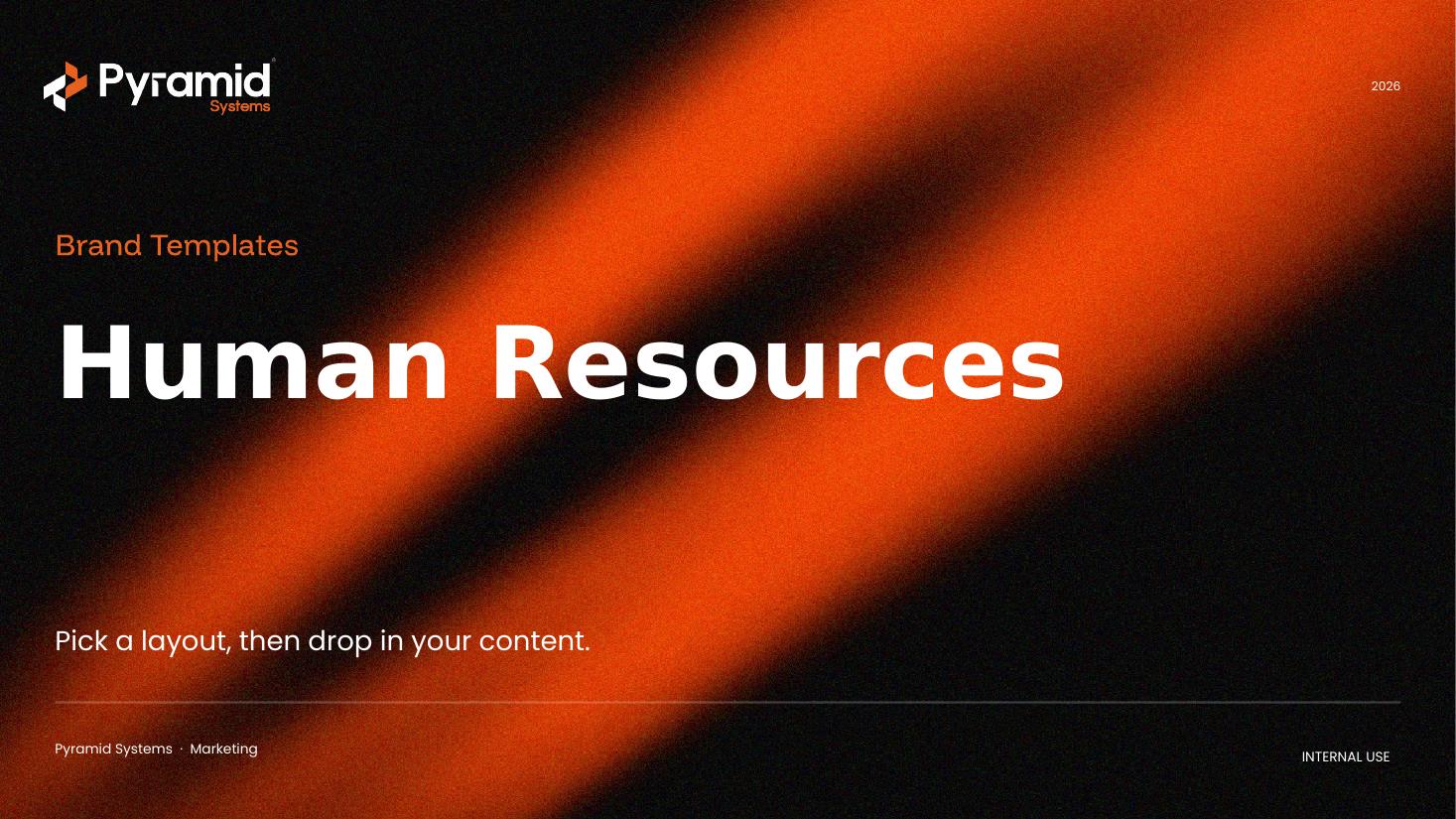
Layout types included
Every layout is built from editable shapes — recolor and relabel freely. A few examples:
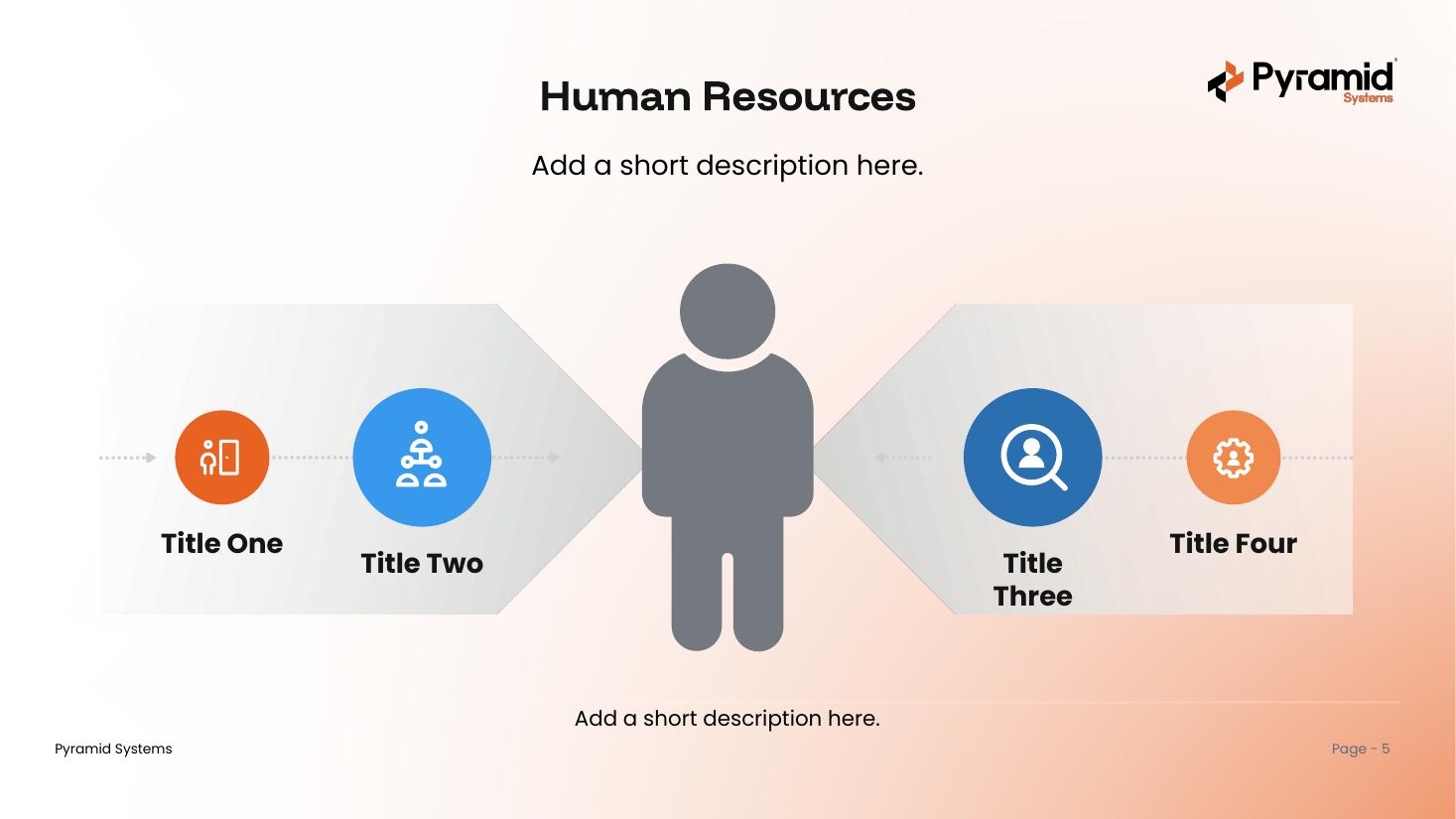
Floweditable
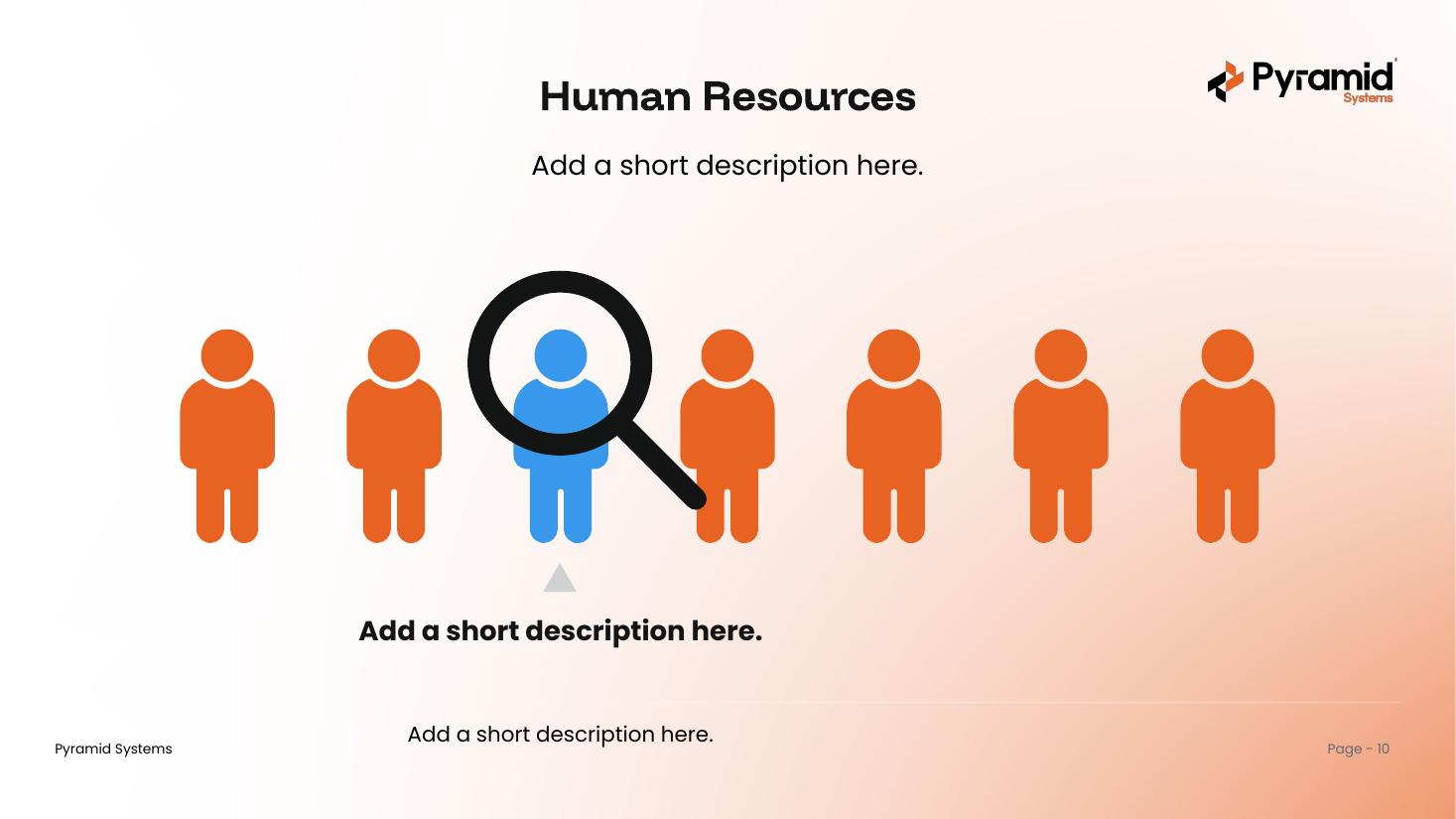
Teameditable
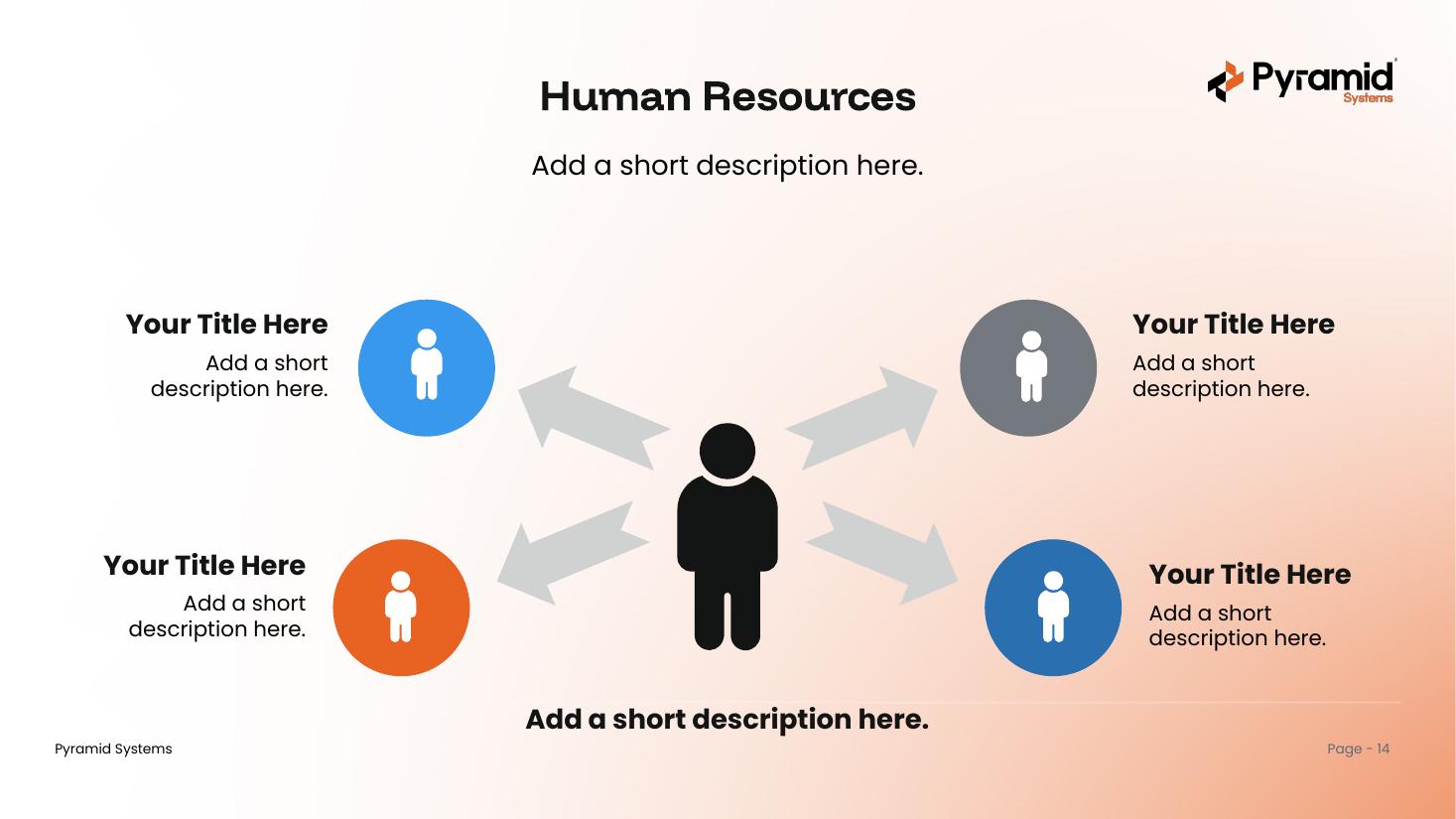
Radialeditable
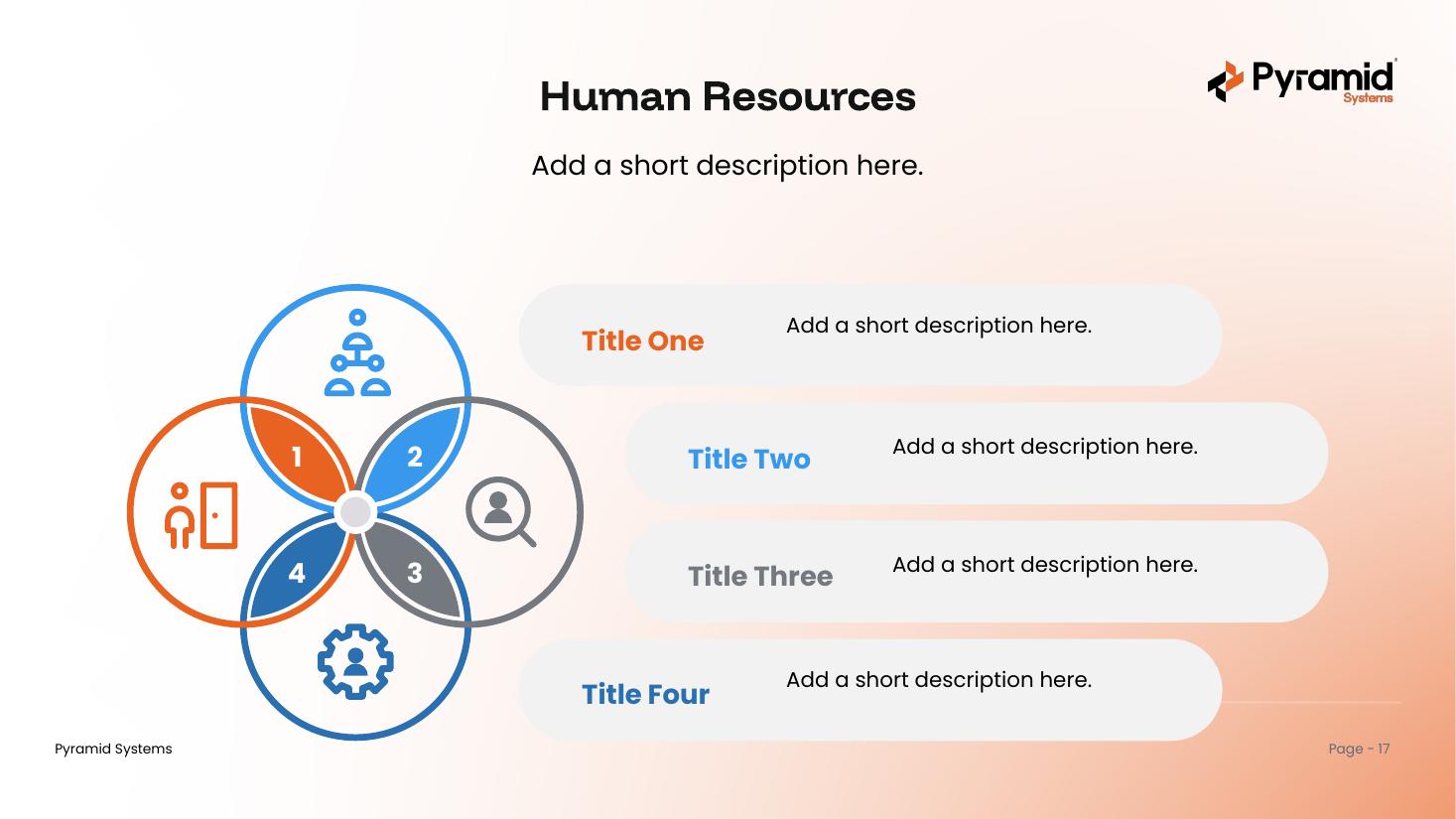
Processeditable
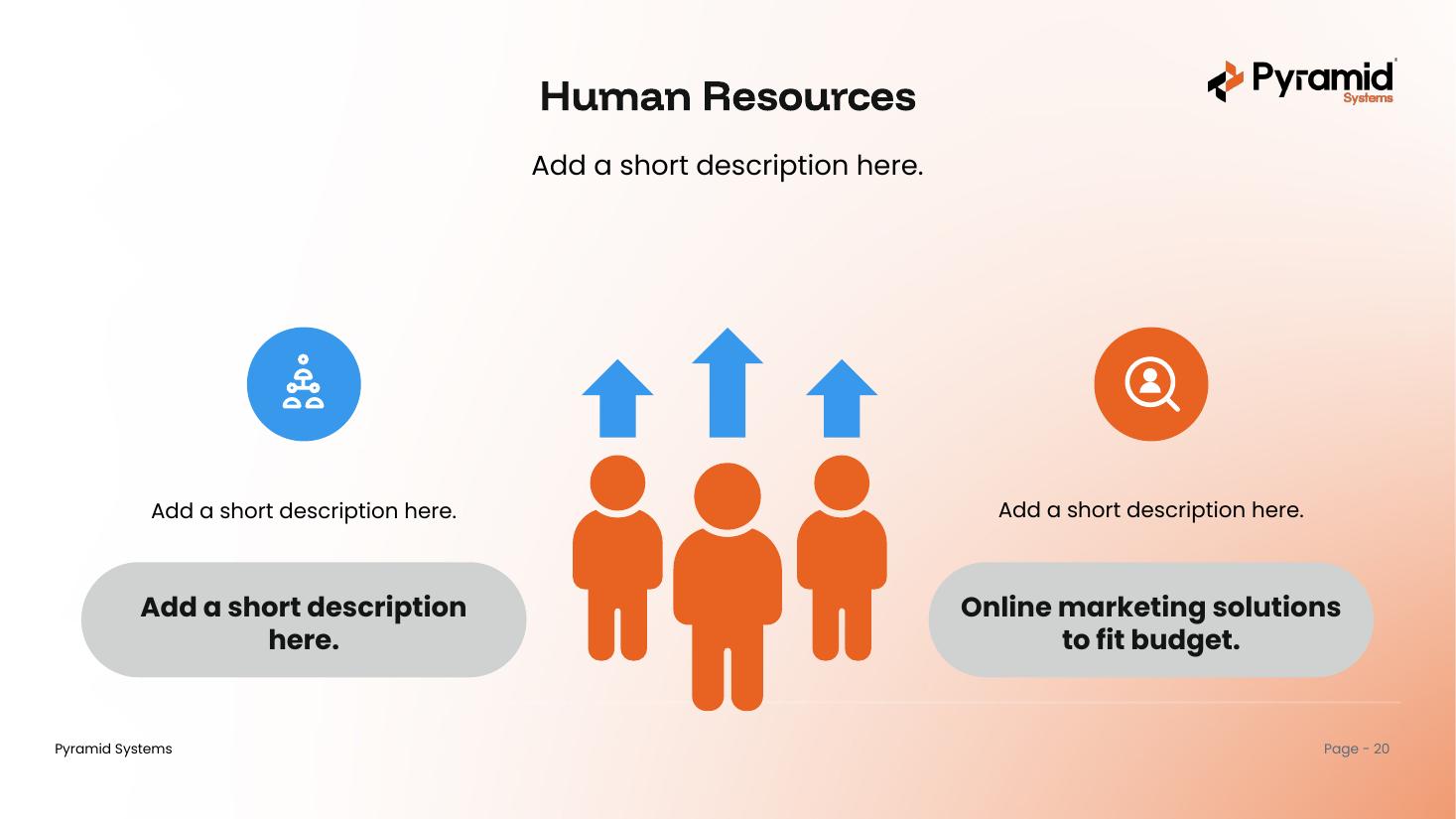
Growtheditable
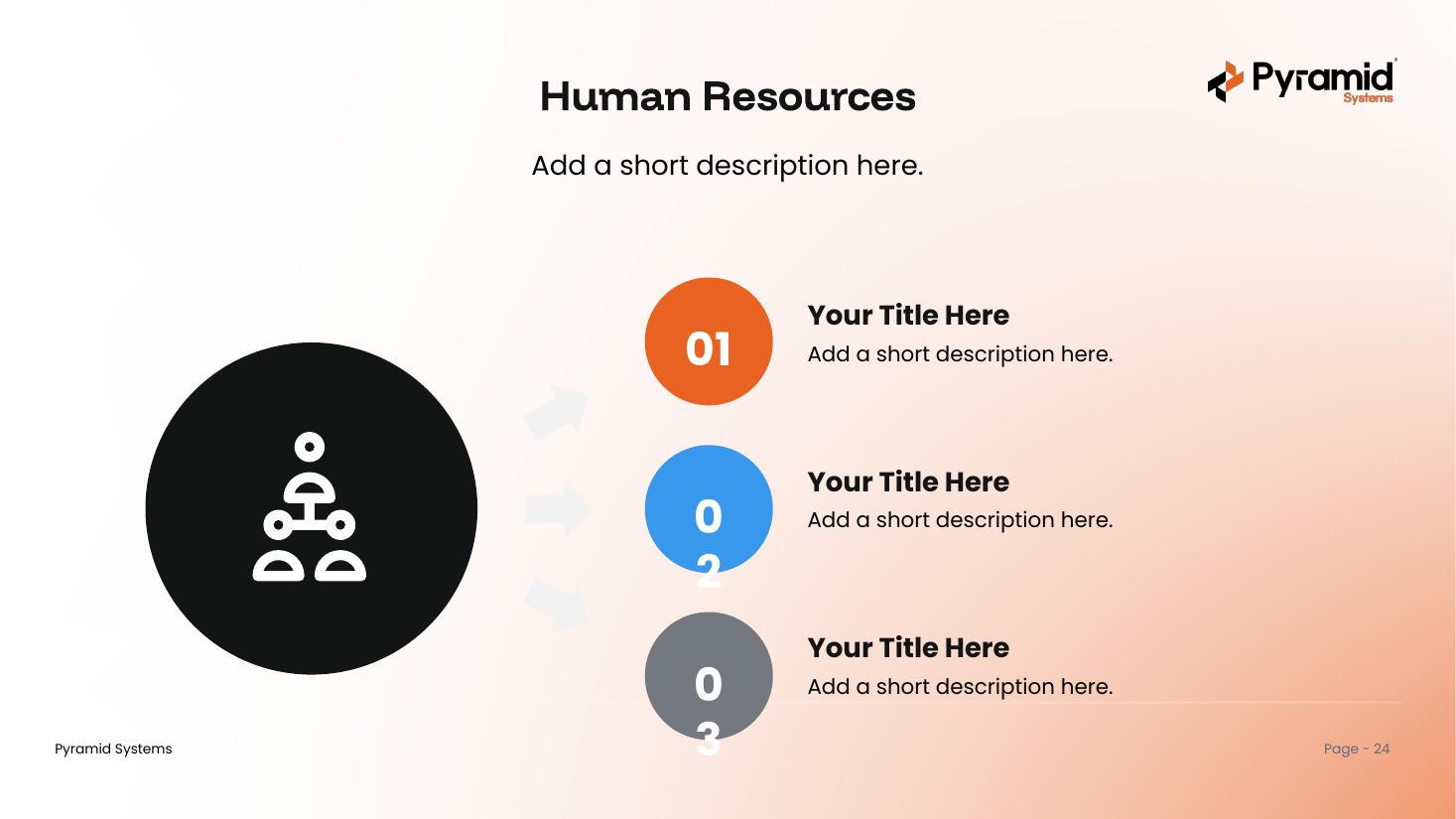
Listeditable
What's inside & how to use it
One deck, built on the Pyramid master template.
What's inside
- A cover, a contents page, and a section divider for each layout family
- 20 editable HR layouts — teams, comparisons, process flows, and lists
- All eight master-deck layouts, selectable under New Slide
- Pyramid brand colors and fonts throughout (Funnel Display + Poppins)
- A cover and a Questions & Discussion closing slide
How to use it
- Open the deck and scroll to the layout you like.
- Copy that slide into your own presentation.
- Click any element to relabel it and drop in your own text.
- Prefer to start here? Build with the eight brand layouts under New Slide.
Get the HR deck
One PowerPoint file with 20 branded, editable HR layouts. Ready to use across the Pyramid team.
Download .pptx