

Presentation Template · PPTX
Matrix Infographics
A library of branded matrix layouts — 2×2 quadrants, comparison matrices, priority grids, and scorecard tables. Copy a slide into your deck and edit the labels, or start here and build with the eight master layouts.
Download .pptx
PowerPoint · works in the desktop & web apps
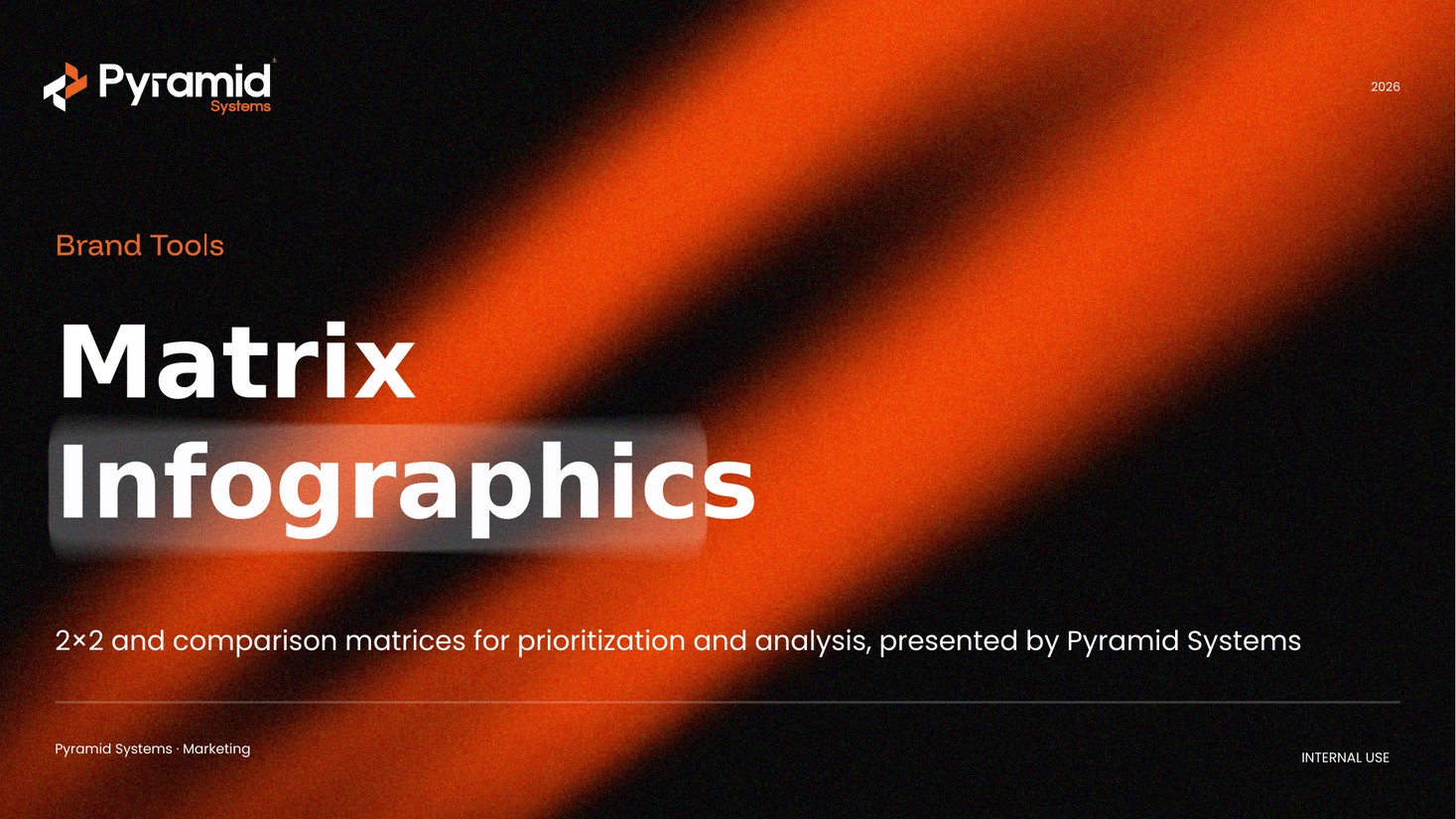
Matrices included
Twenty matrix layouts — quadrants, comparisons, and scorecards. A few examples:
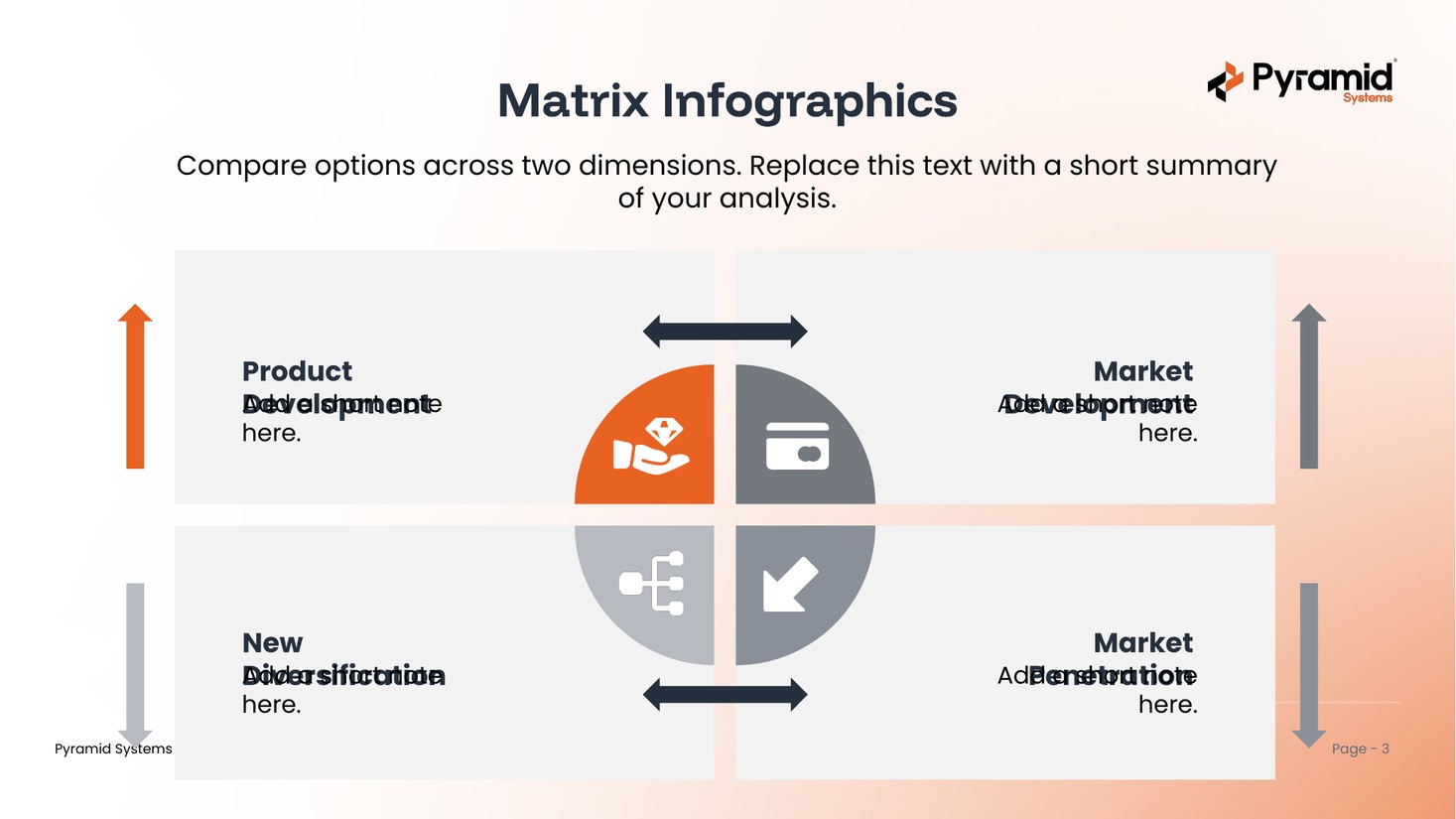
Quadrant matrixeditable
Card matrixeditable
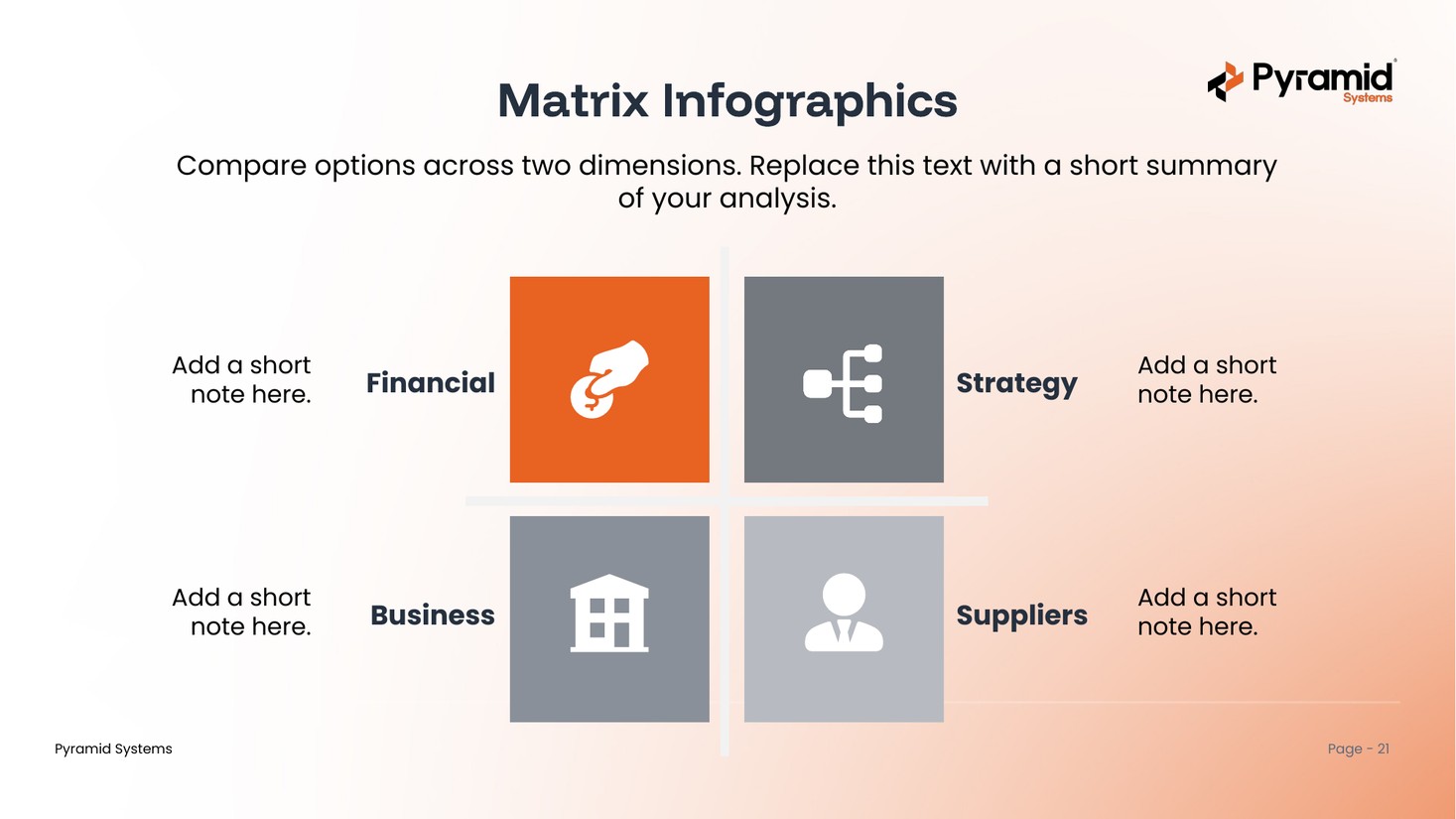
Icon matrixeditable
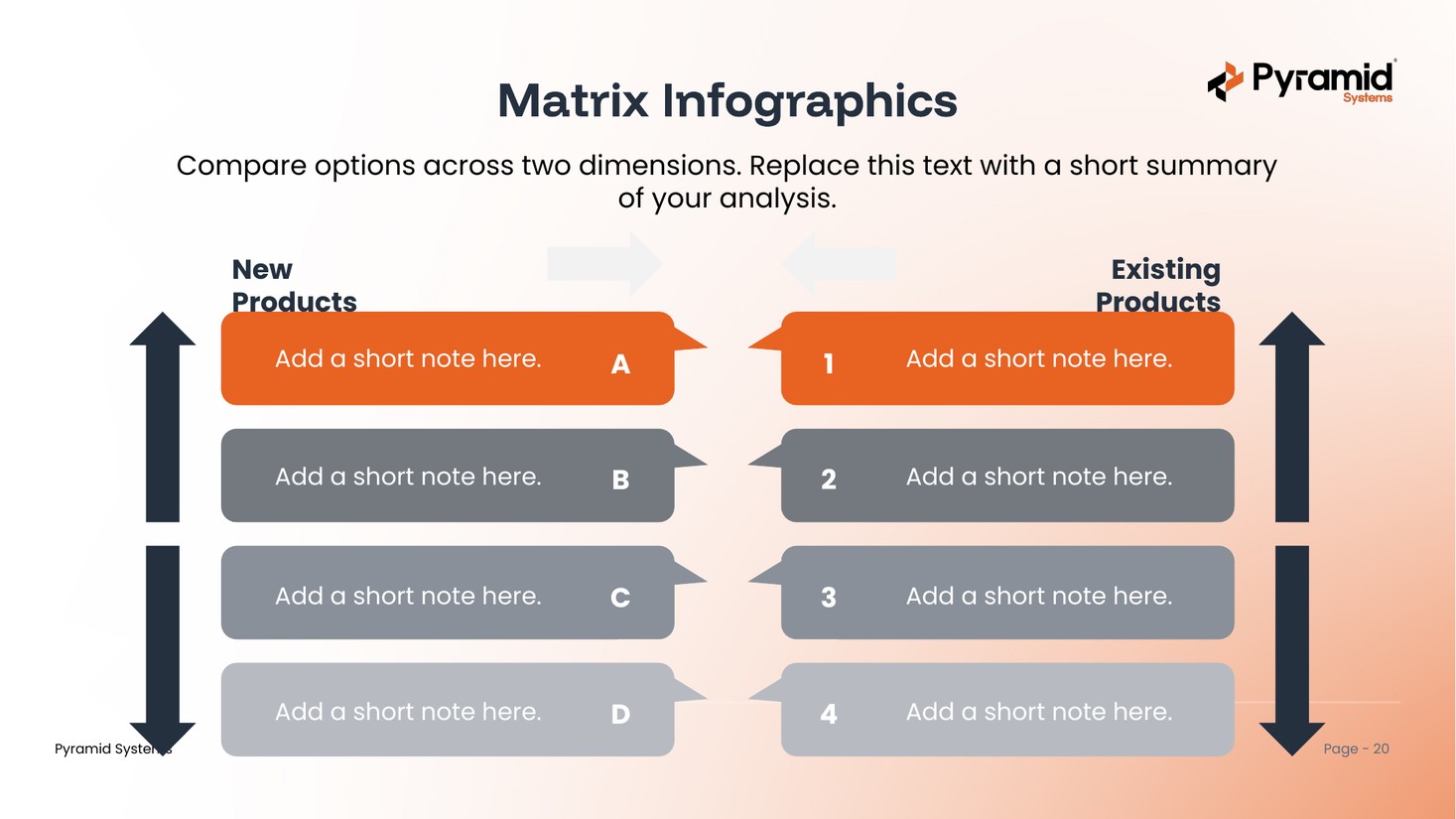
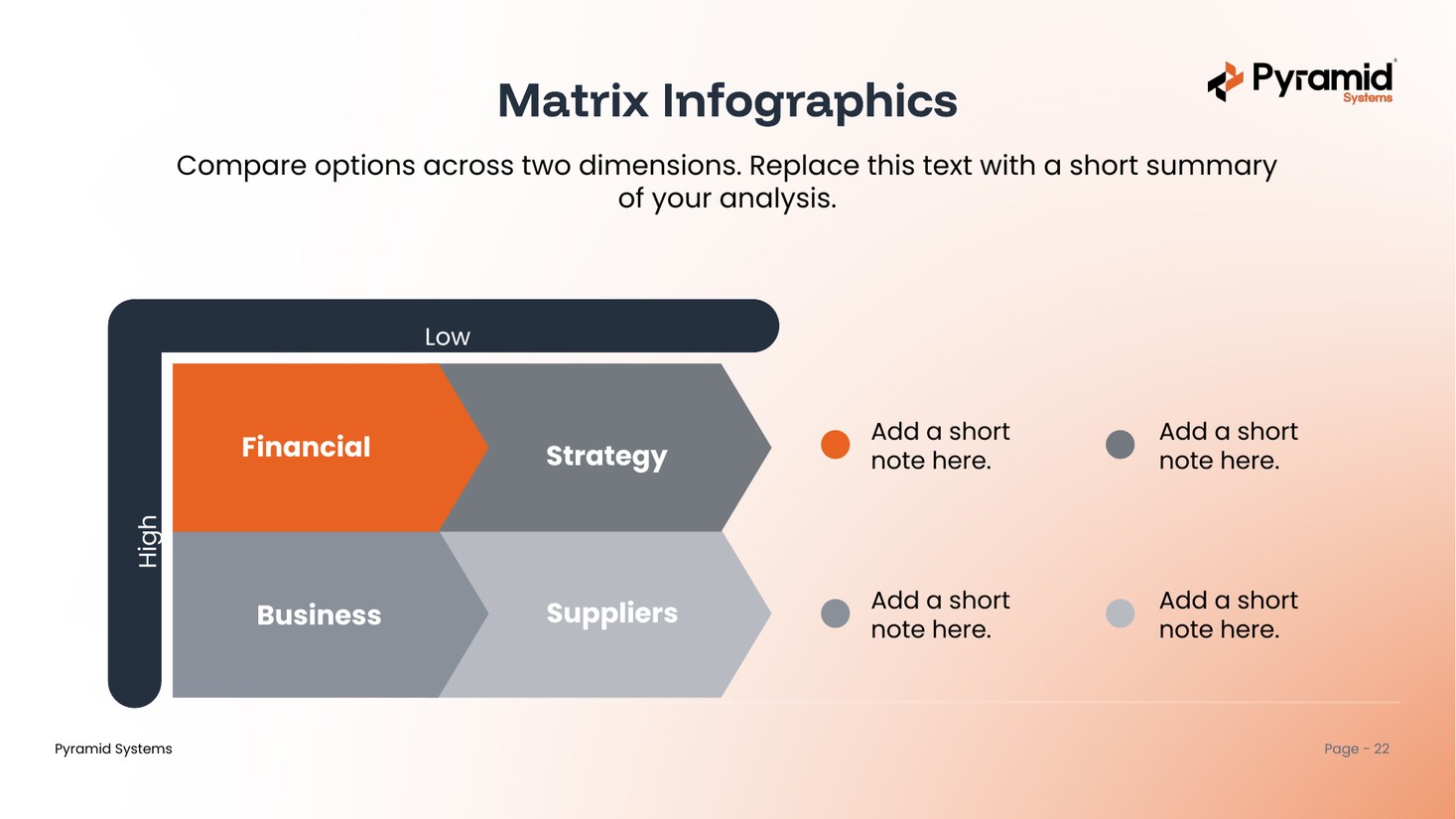
Priority tableeditable
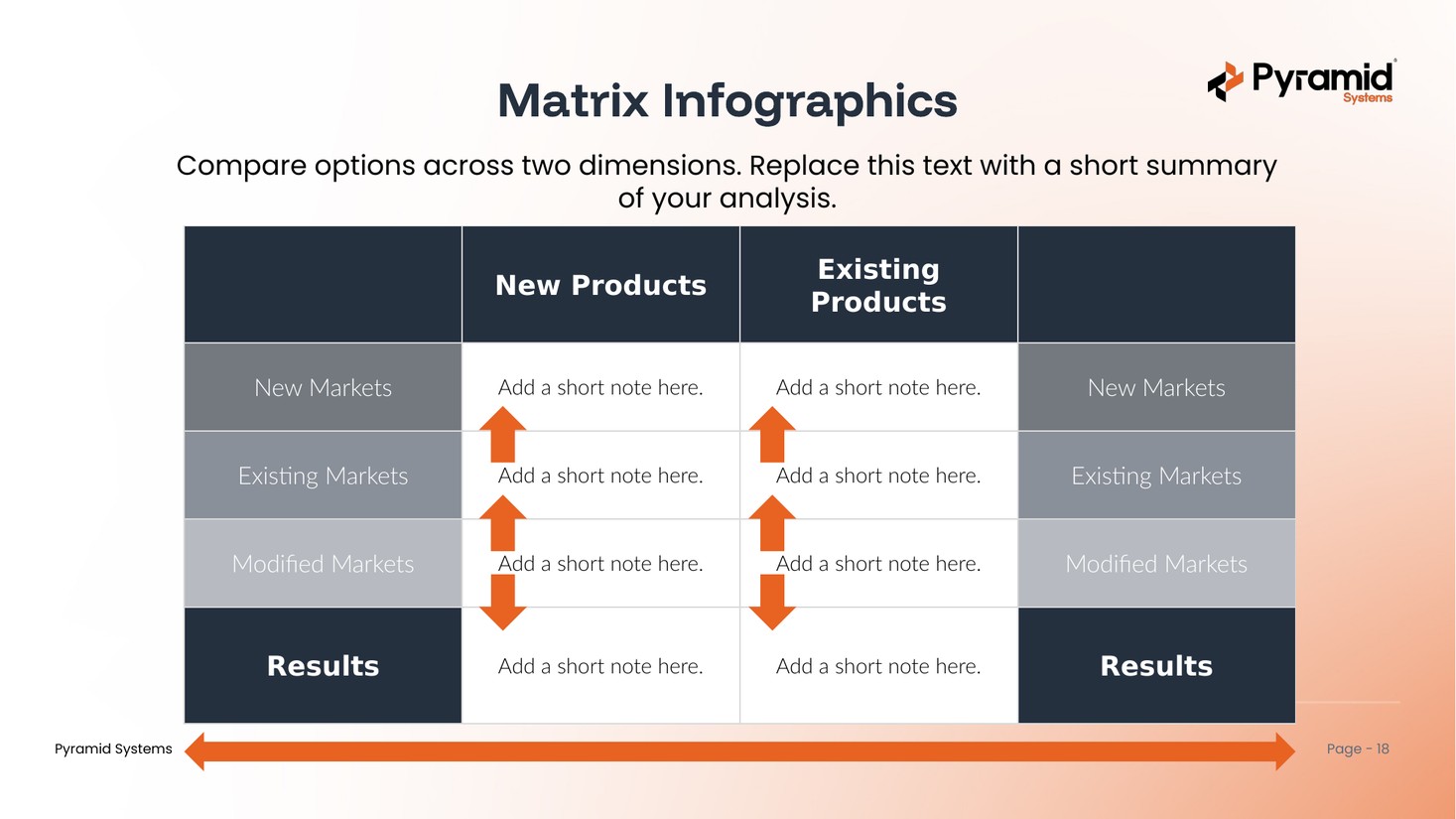
Growth matrixeditable
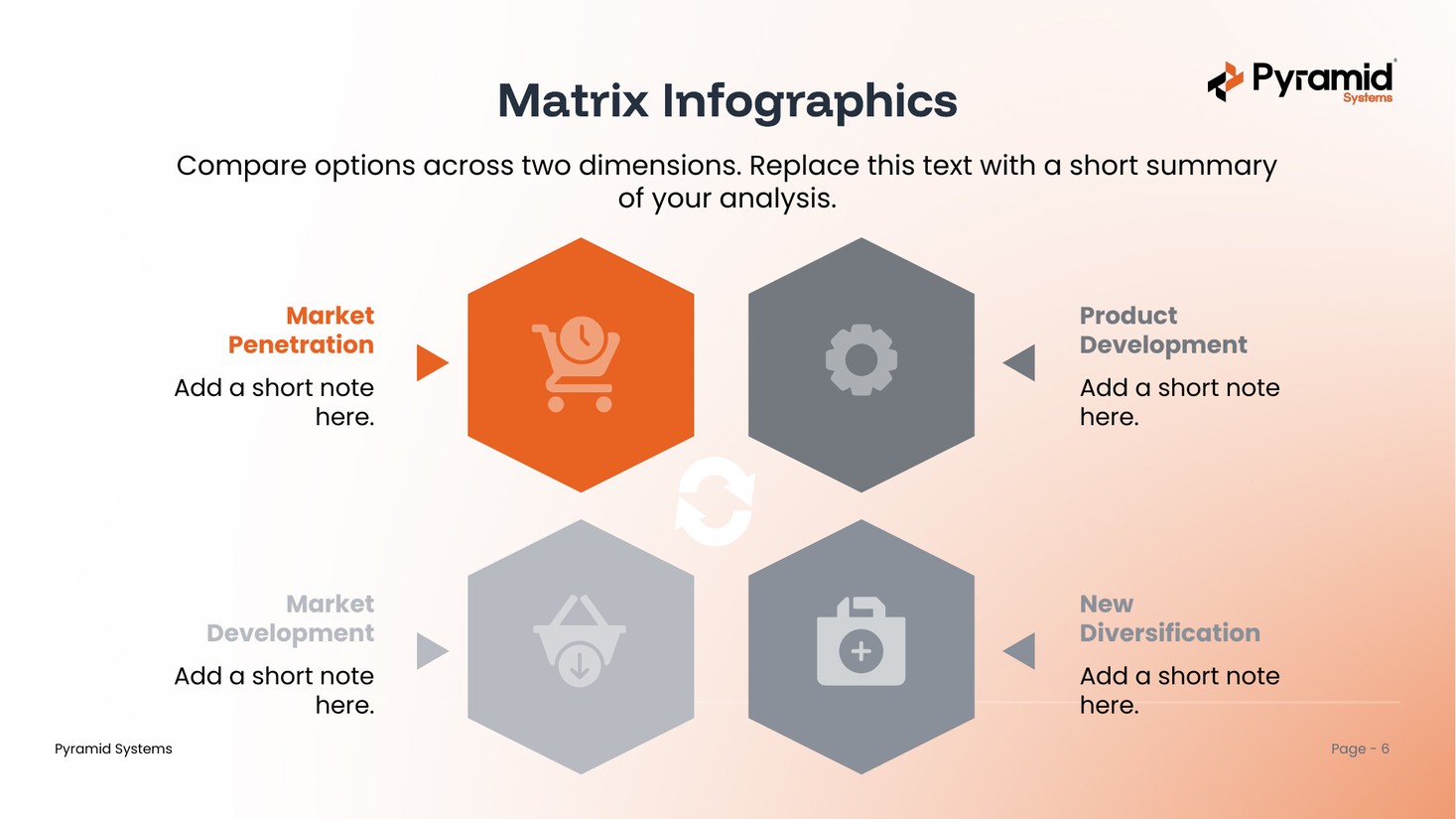
Hex matrixeditable
What's inside & how to use it
One deck, built on the Pyramid master template.
What's inside
- A cover, agenda, and section divider
- 20 matrix layouts — quadrants, comparisons, priority grids, and scorecard tables
- Real, editable PowerPoint tables — add or remove rows and columns
- All eight master layouts, selectable under New Slide
- Pyramid brand colors and fonts throughout (Funnel Display + Poppins)
How to use it
- Open the deck and pick the matrix that fits your analysis.
- Copy that slide into your own presentation.
- Replace the labels and notes with your own — the styling stays on-brand.
- Prefer to start here? Build with the eight brand layouts under New Slide.
Get the matrix deck
One PowerPoint file with 20 branded, editable matrix layouts. Ready to use across the Pyramid team.
Download .pptx